 Sorted Fundraising
Start your group
Sign up with Google or your email, name your group, and we check it before it goes public.
Go to Start a group. Use Gmail or another Google account? Tap Continue with Google and choose it. Otherwise, type your name and email address, then tap Email me a link. There's no password to remember.Go to Start a group. Use Gmail or another Google account? Click Continue with Google and choose it. Otherwise, type your name and email address, then click Email me a link. There's no password to remember.
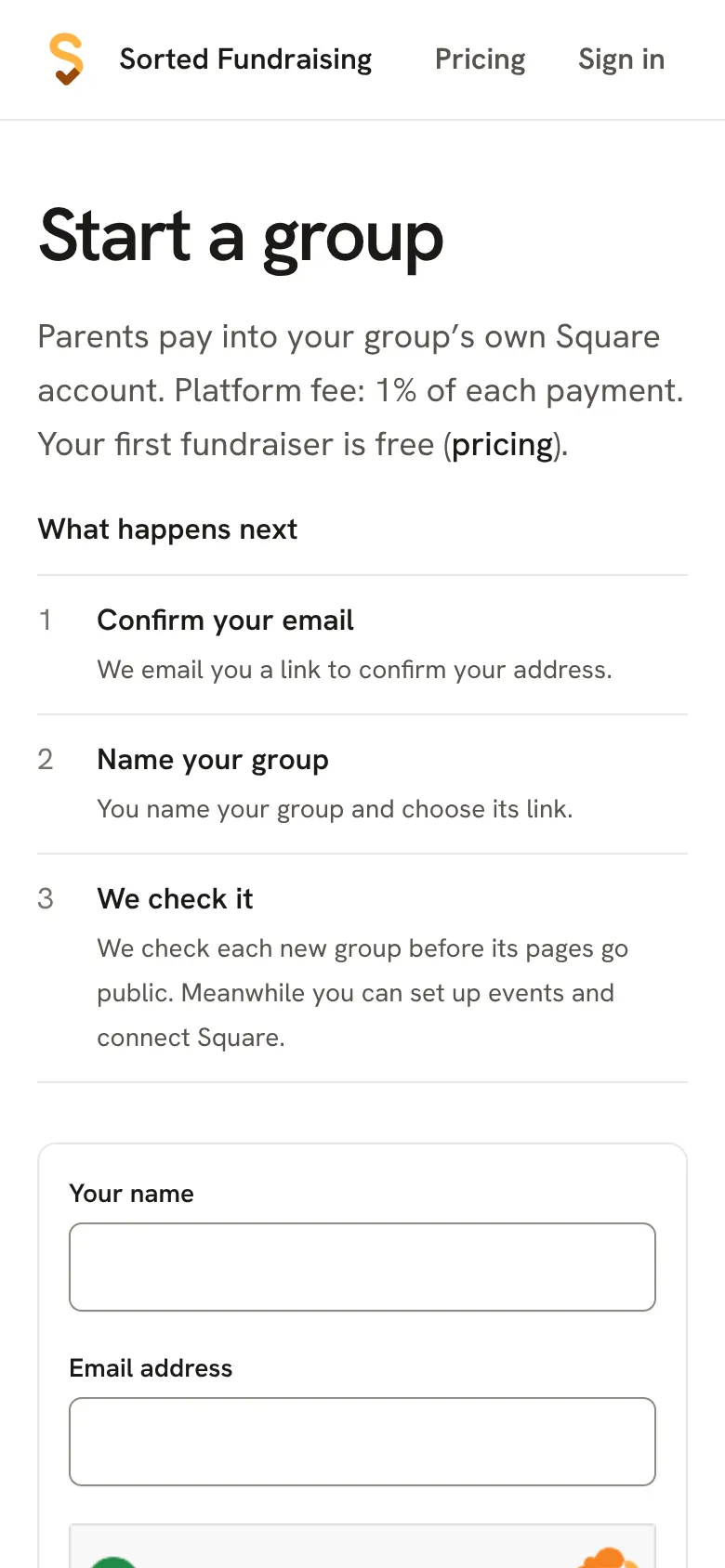
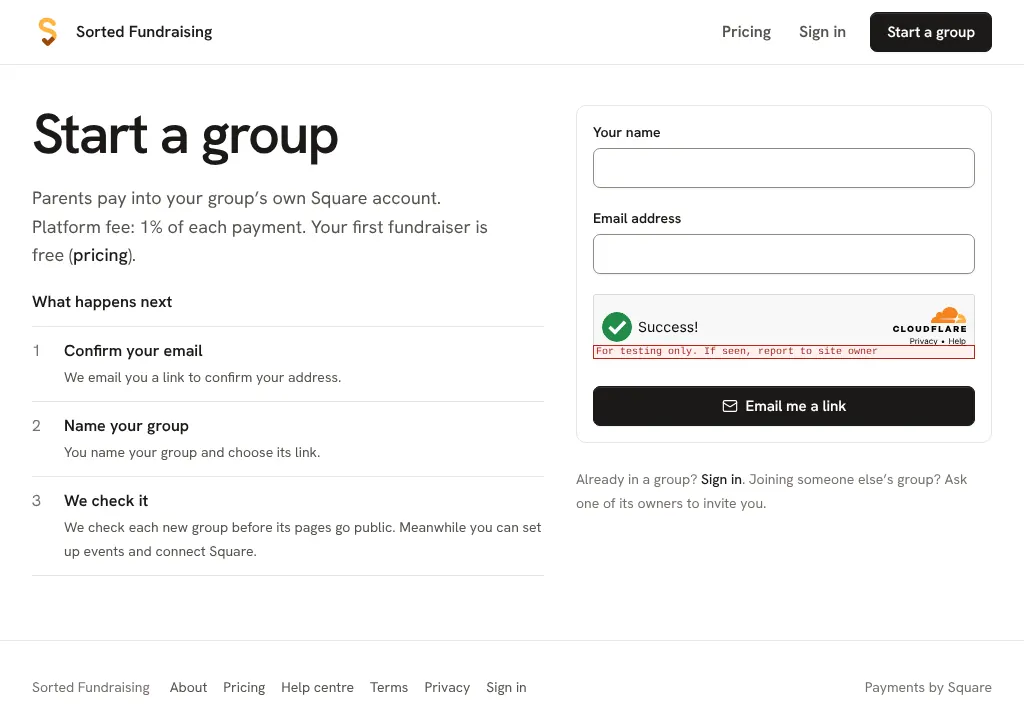
If you asked for a link, open the email on the same phone and tap it. It works once, for 15 minutes. Check your junk folder if it hasn't arrived in a few minutes.If you asked for a link, open the email on the same computer and click it. It works once, for 15 minutes. Check your junk folder if it hasn't arrived in a few minutes.
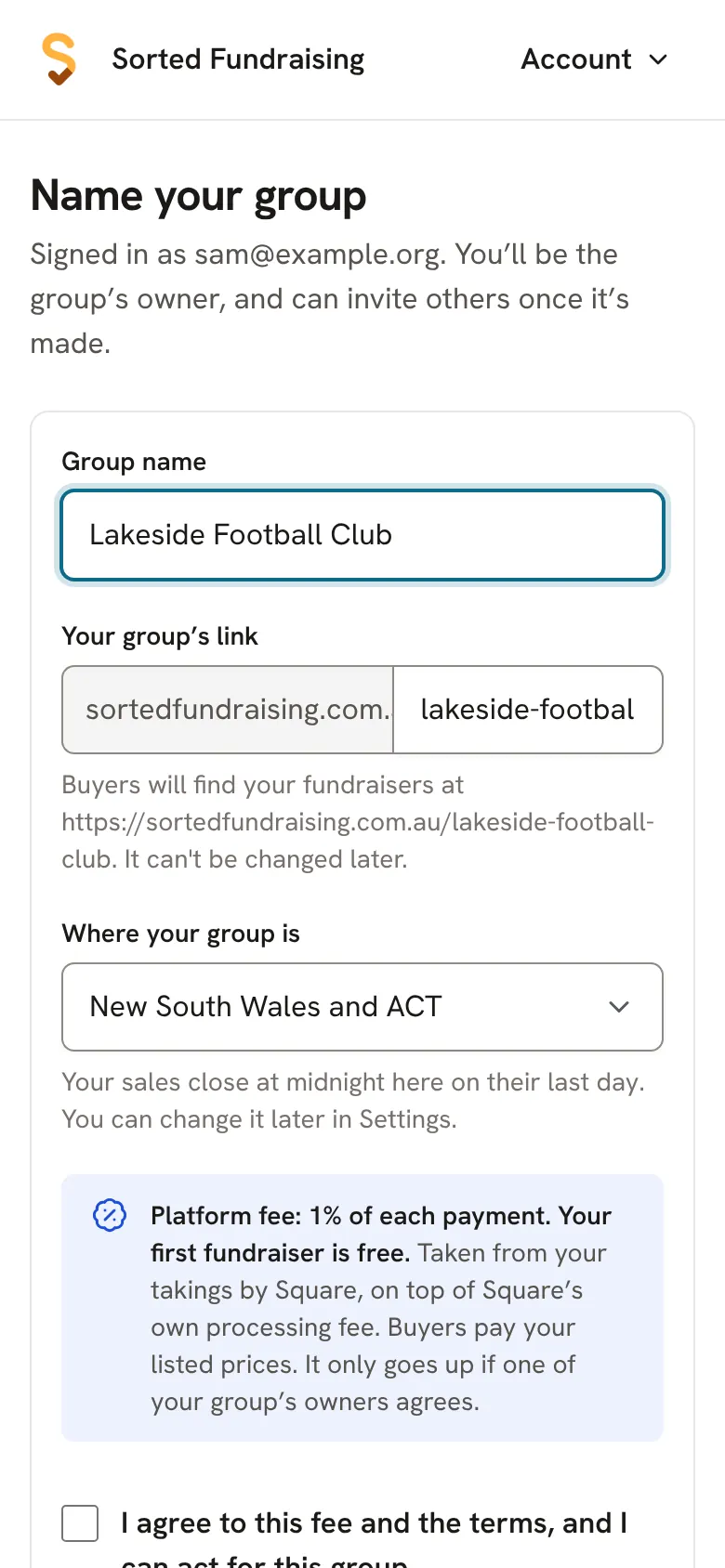
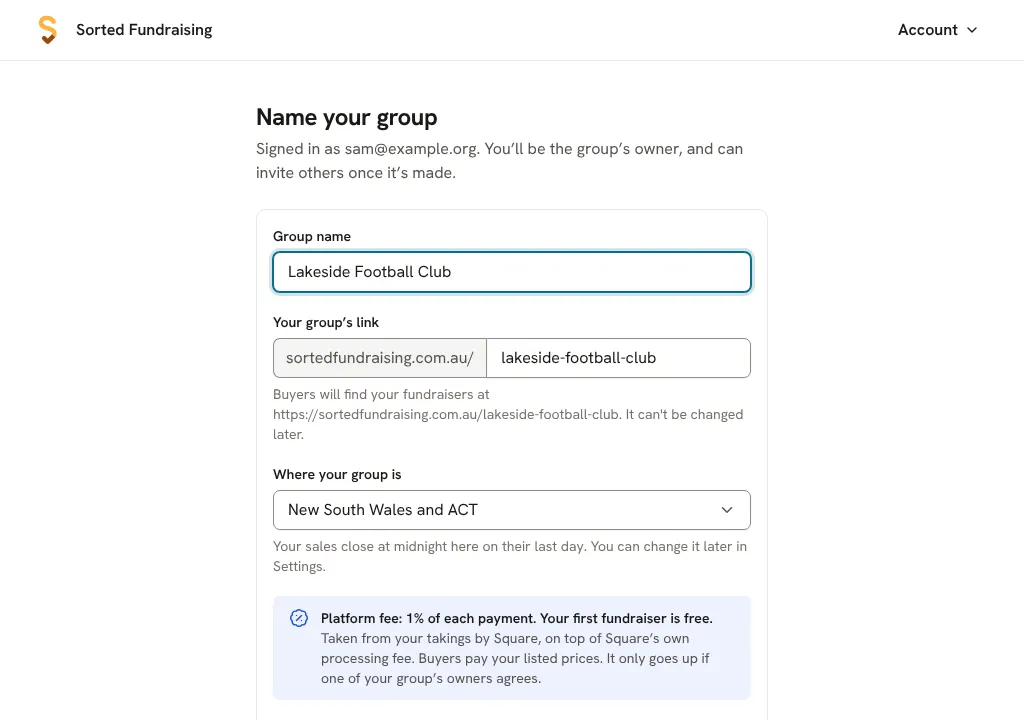
Type your group's name. Your group's link is made from it, and Where your group is sets when sales close each day. Tick the box to agree to the fee, then tap Create group.Type your group's name. Your group's link is made from it, and Where your group is sets when sales close each day. Tick the box to agree to the fee, then click Create group.
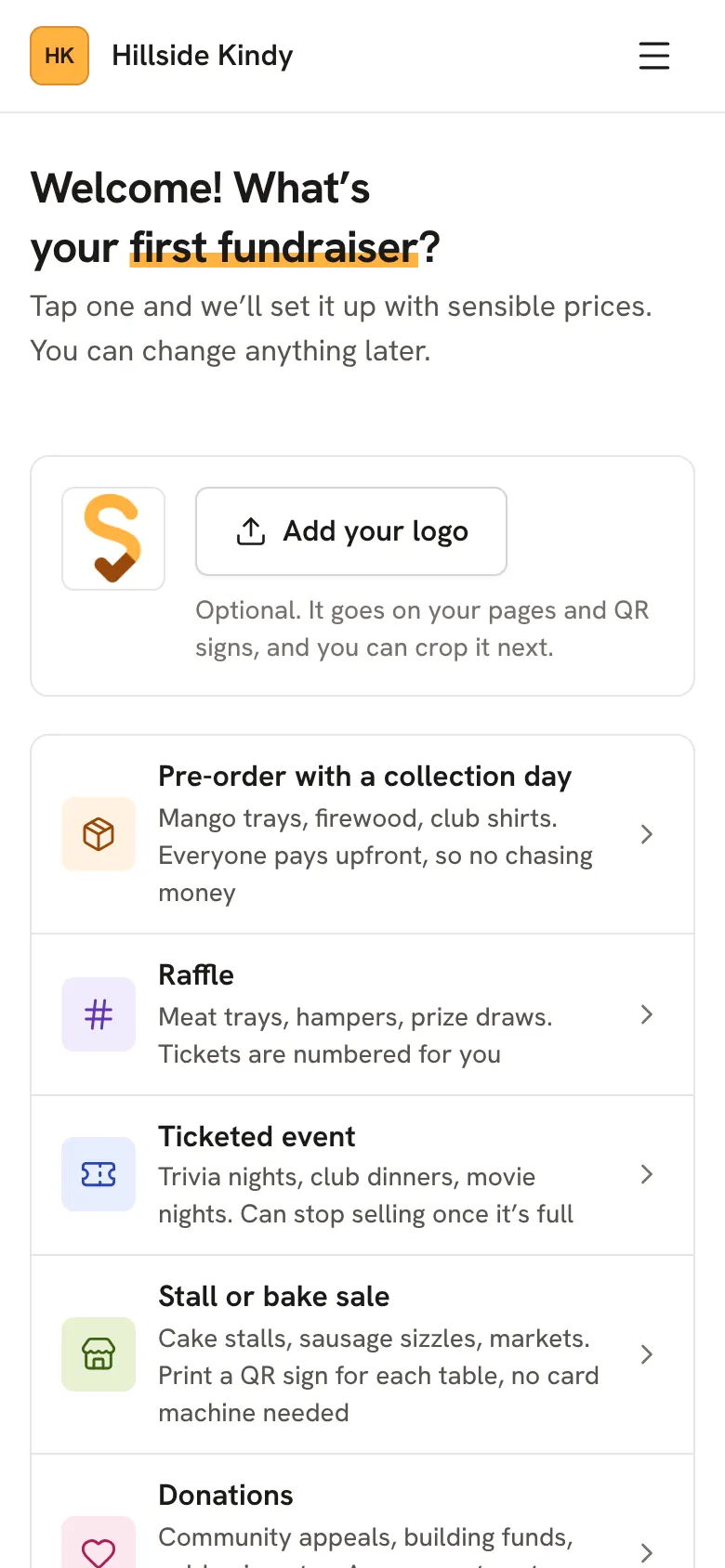
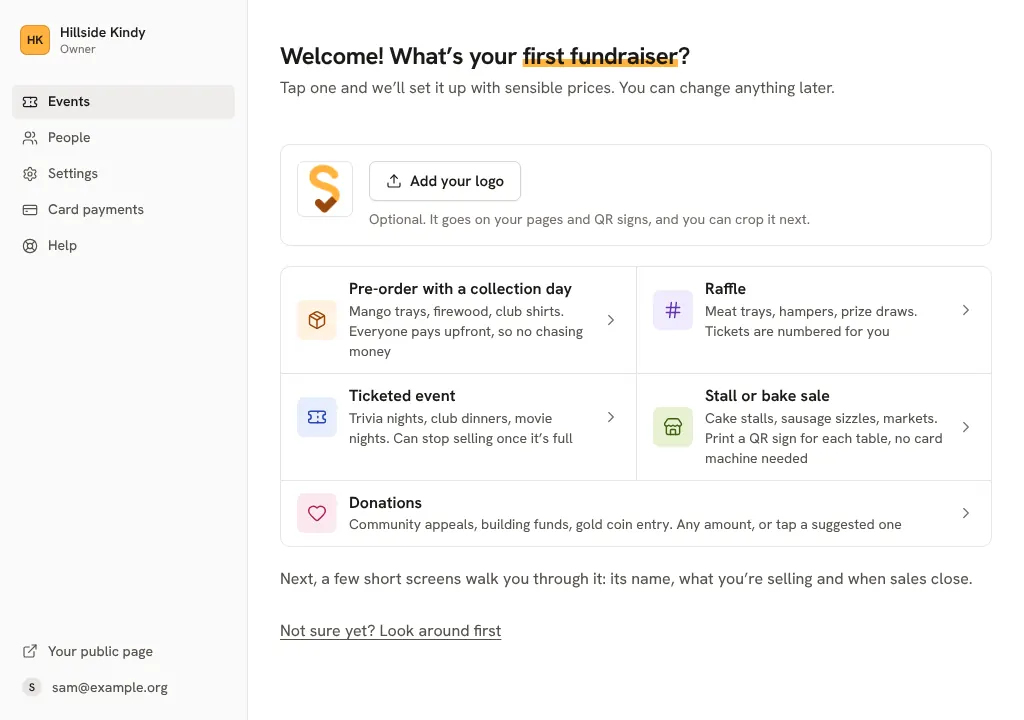
You're in. Pick your first fundraiser straight away, or tap Not sure yet? Look around first.You're in. Pick your first fundraiser straight away, or click Not sure yet? Look around first.
Good to know
- We check every new group before its pages go public. You can set up card payments and your first fundraiser while you wait.
- Your group's link can't be changed later, so check the spelling.
Still stuck? Open Help in your console and ask. You get an answer straight away, and a person from our team whenever you need one.