 Sorted Fundraising
Start a fundraiser
Pick what kind it is, then work through a short list of set-up steps.
On your console's Events tab, tap New event. Choose what kind of fundraiser it is, then tap Create event.On your console's Events tab, click New event. Choose what kind of fundraiser it is, then click Create event.
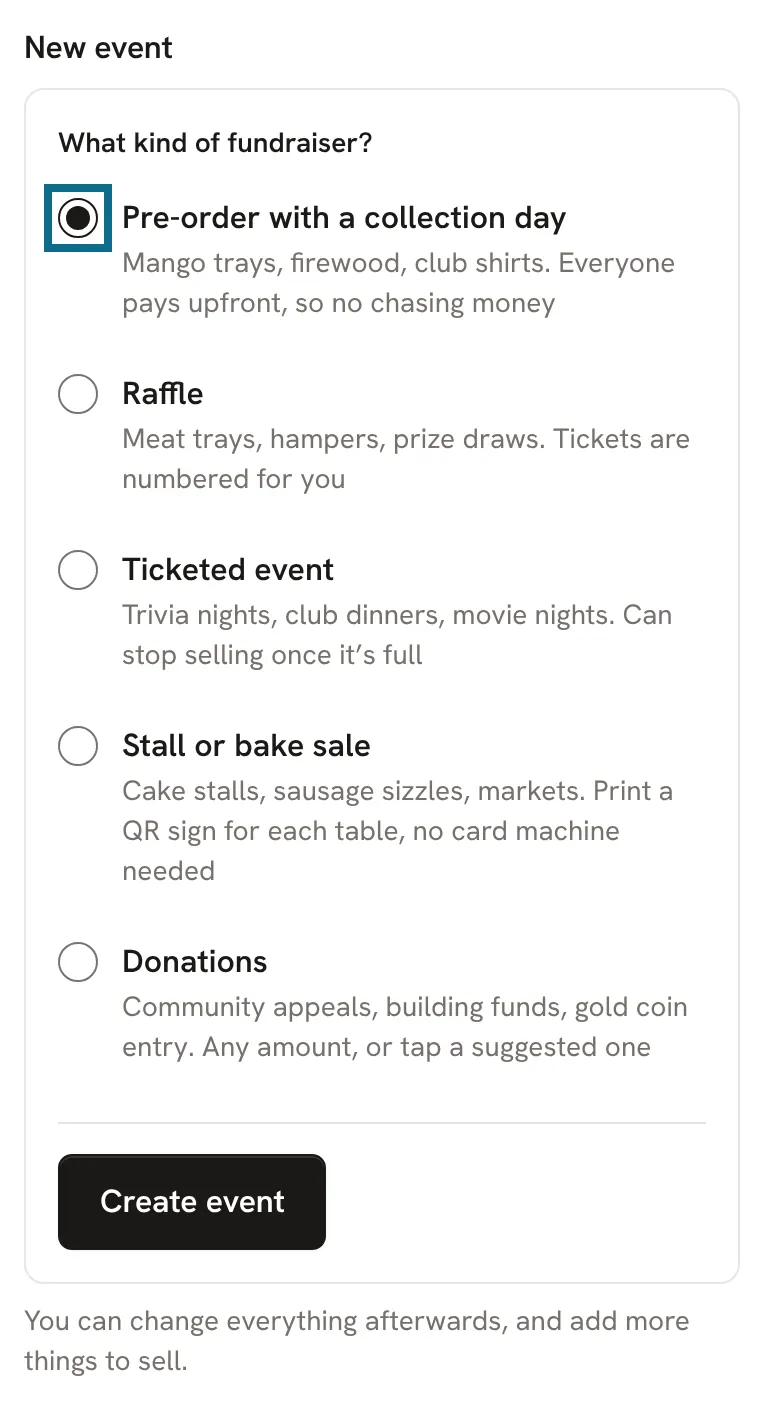
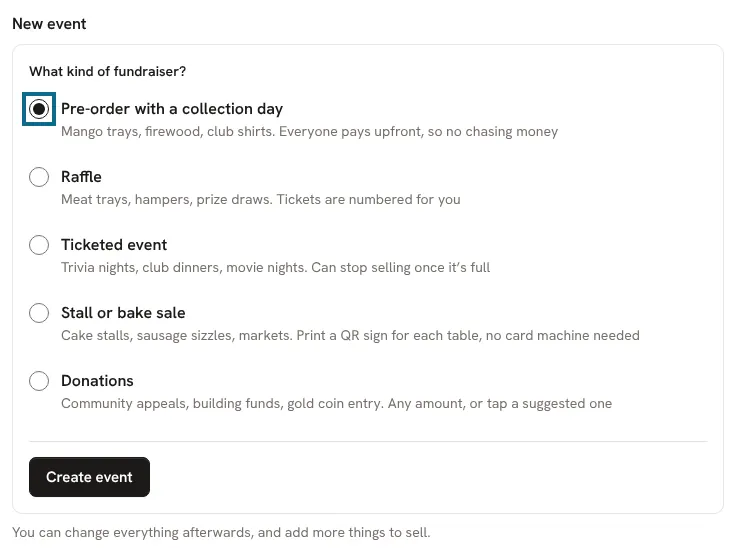
It starts as a draft: only your group's organisers can see it. Its set-up steps come in order. Tap each one, fill it in, and save.It starts as a draft: only your group's organisers can see it. Its set-up steps come in order. Click each one, fill it in, and save.
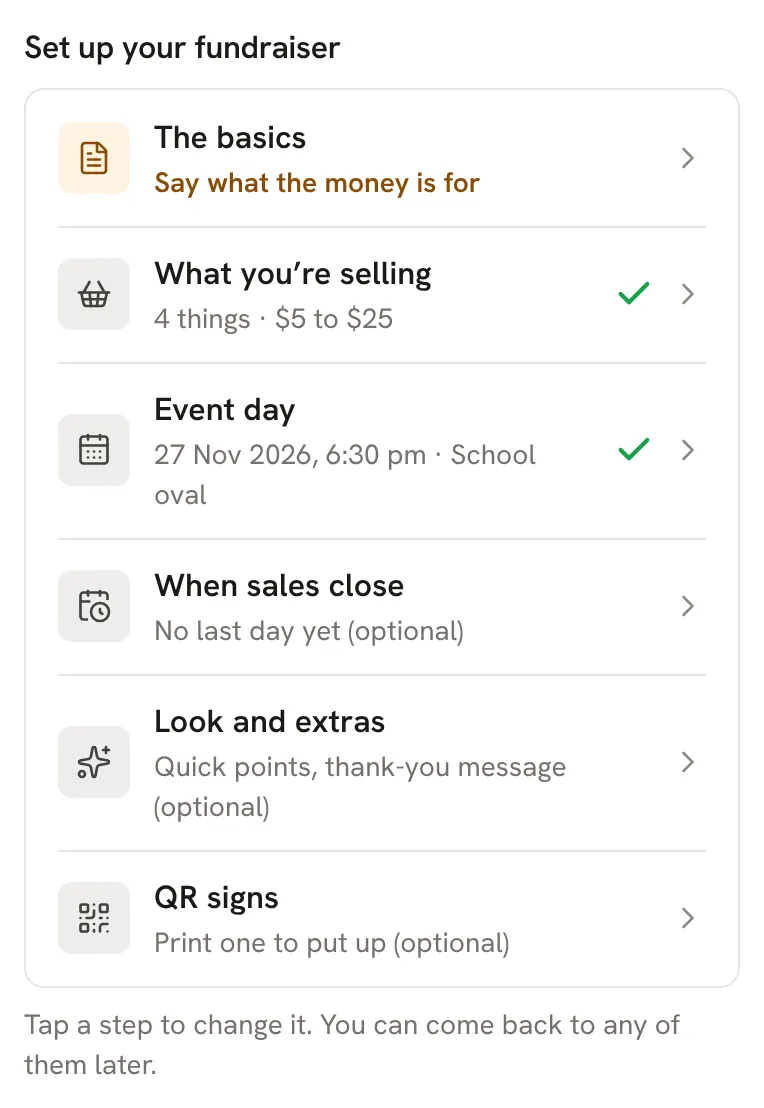
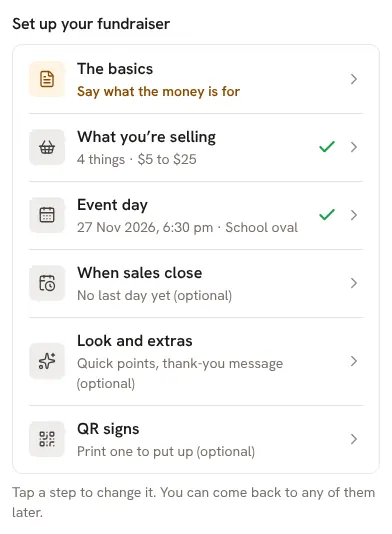
The basics is the name, what the money is for, and a photo. A photo from your phone is fine.
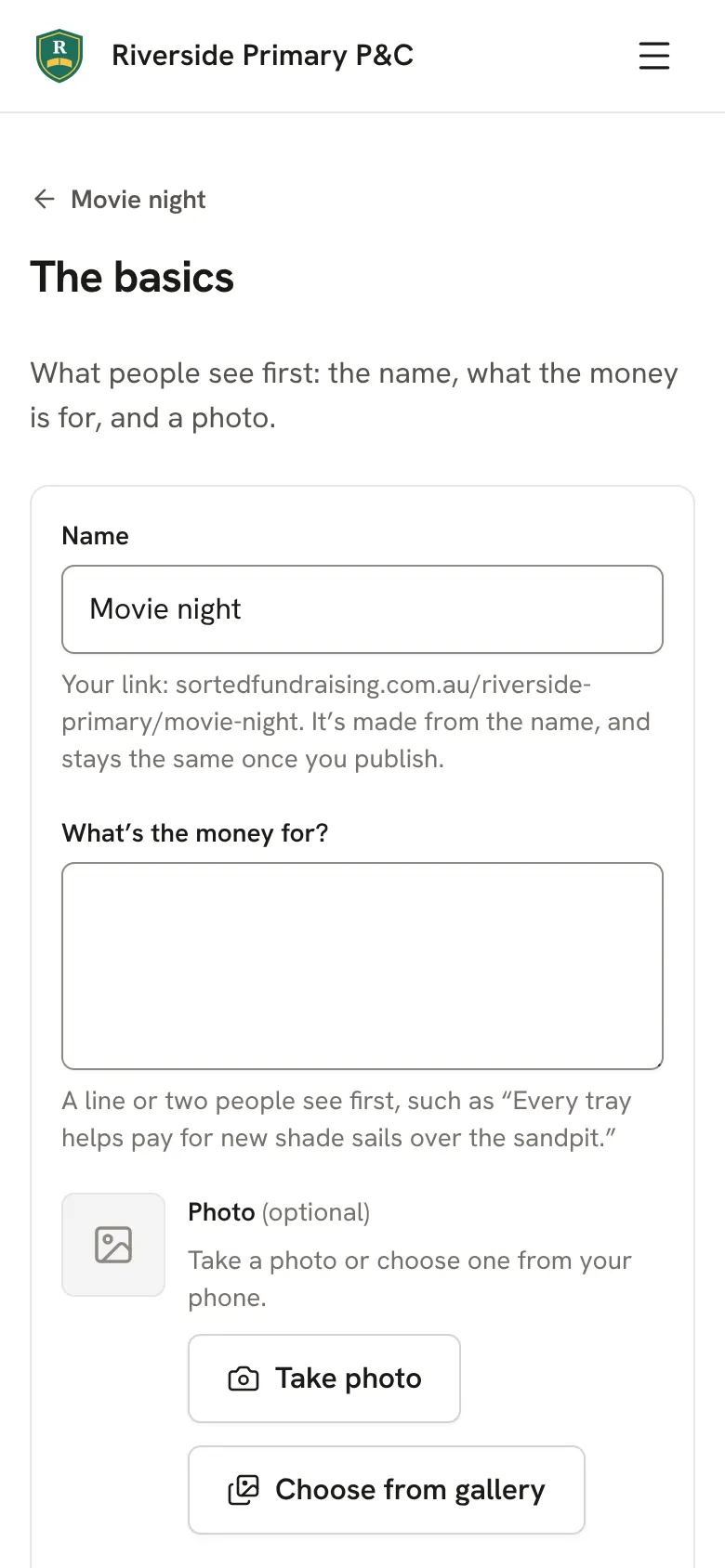
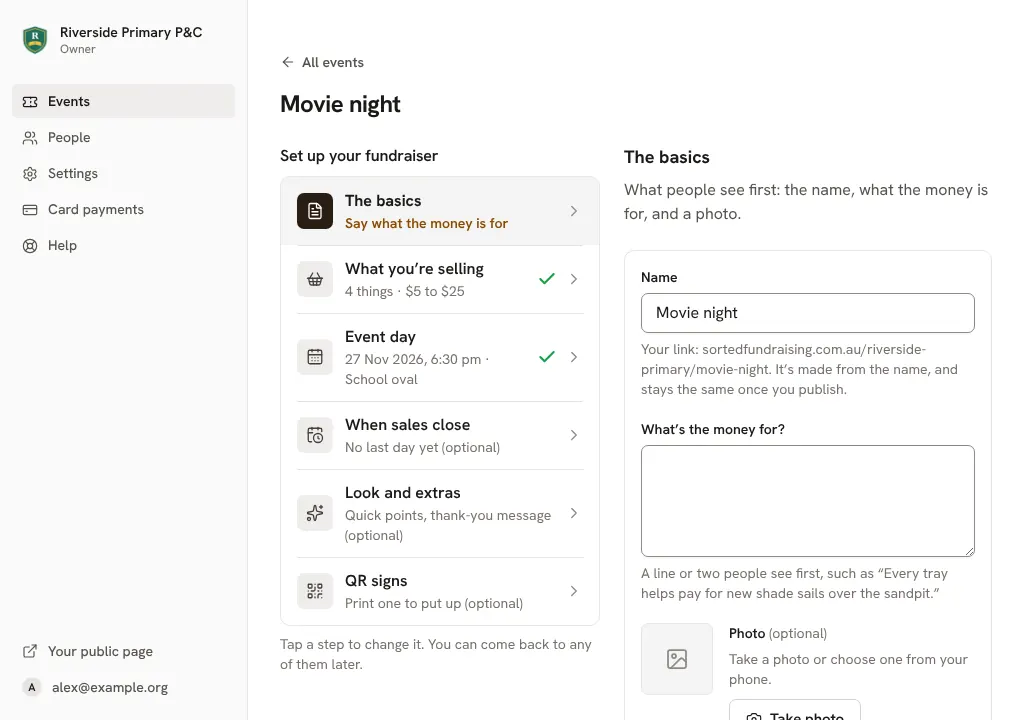
Work down the list. A tick shows each step that's done, and anything still needed is named in orange. When the list is done, preview and publish it.
Good to know
- Running the same fundraiser as last year? Copy it instead: see Run it again next time.
- Everything can be changed later, even once it's selling.
Still stuck? Open Help in your console and ask. You get an answer straight away, and a person from our team whenever you need one.