 Sorted Fundraising
Add what you're selling
Each thing people can buy, with its price and a photo if you like.
Show me how on
Open your fundraiser, then What you’re selling. It shows each thing people can buy, with its price.
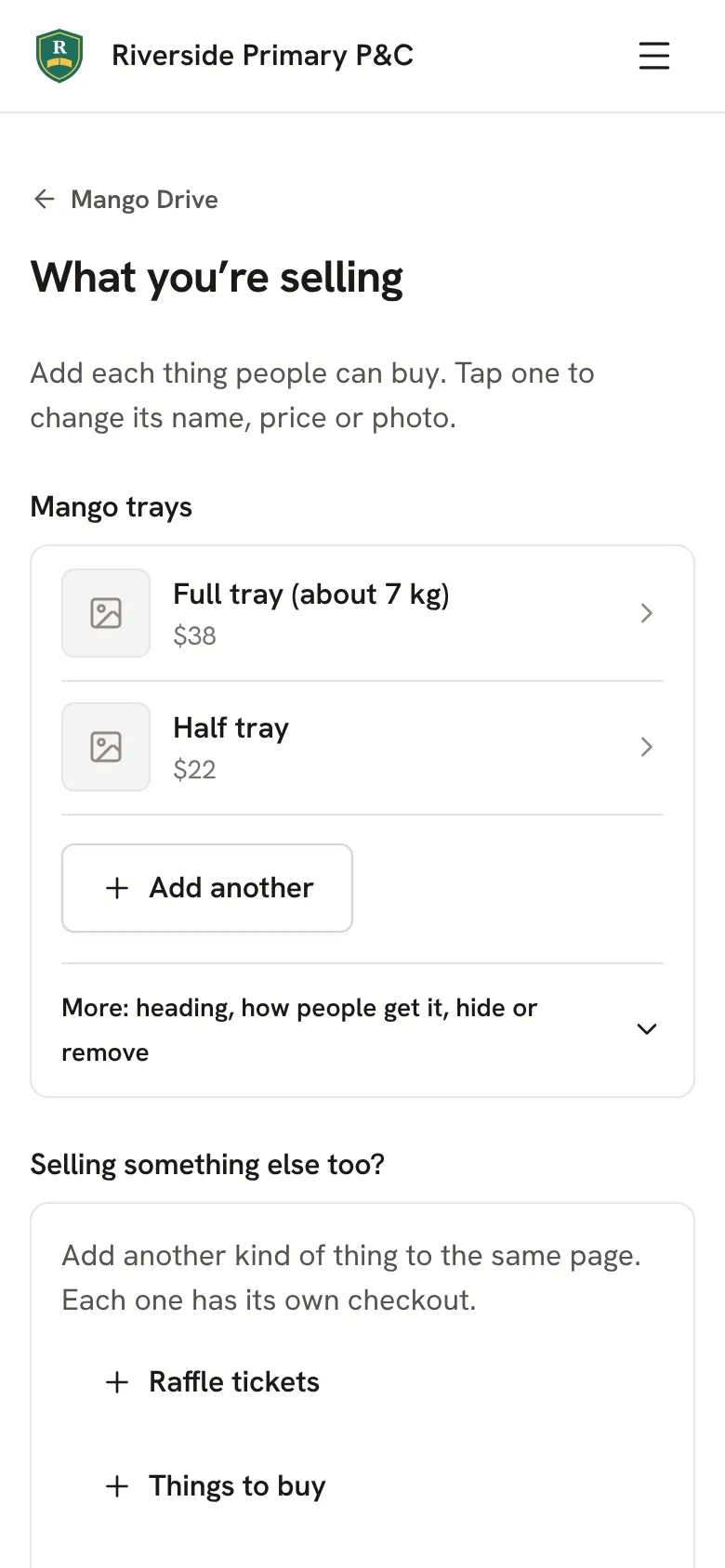
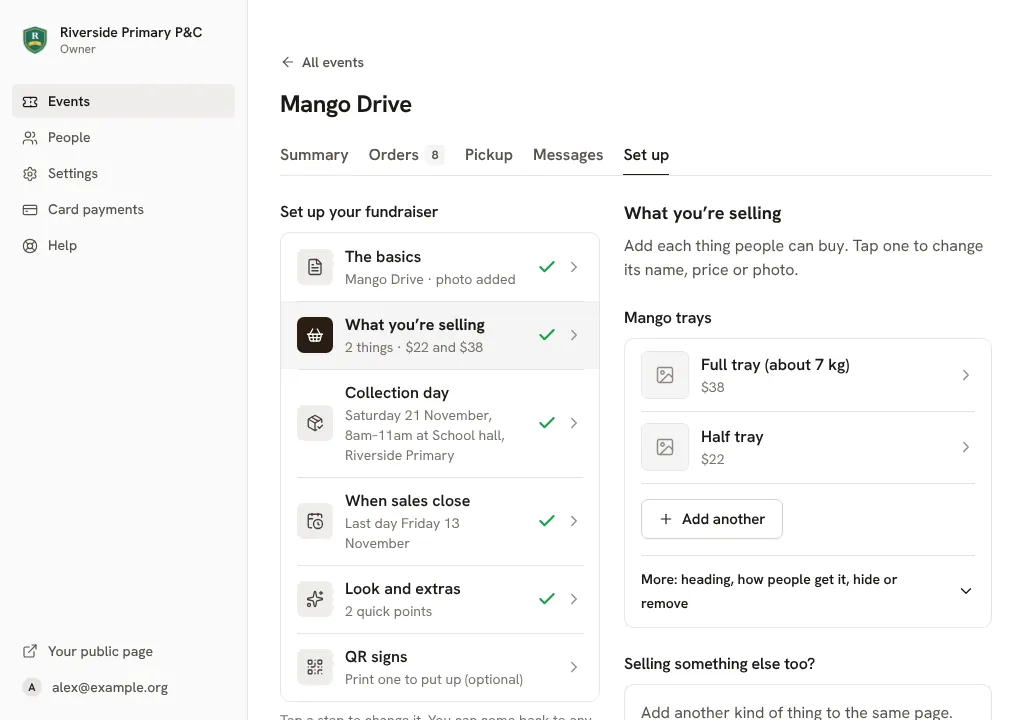
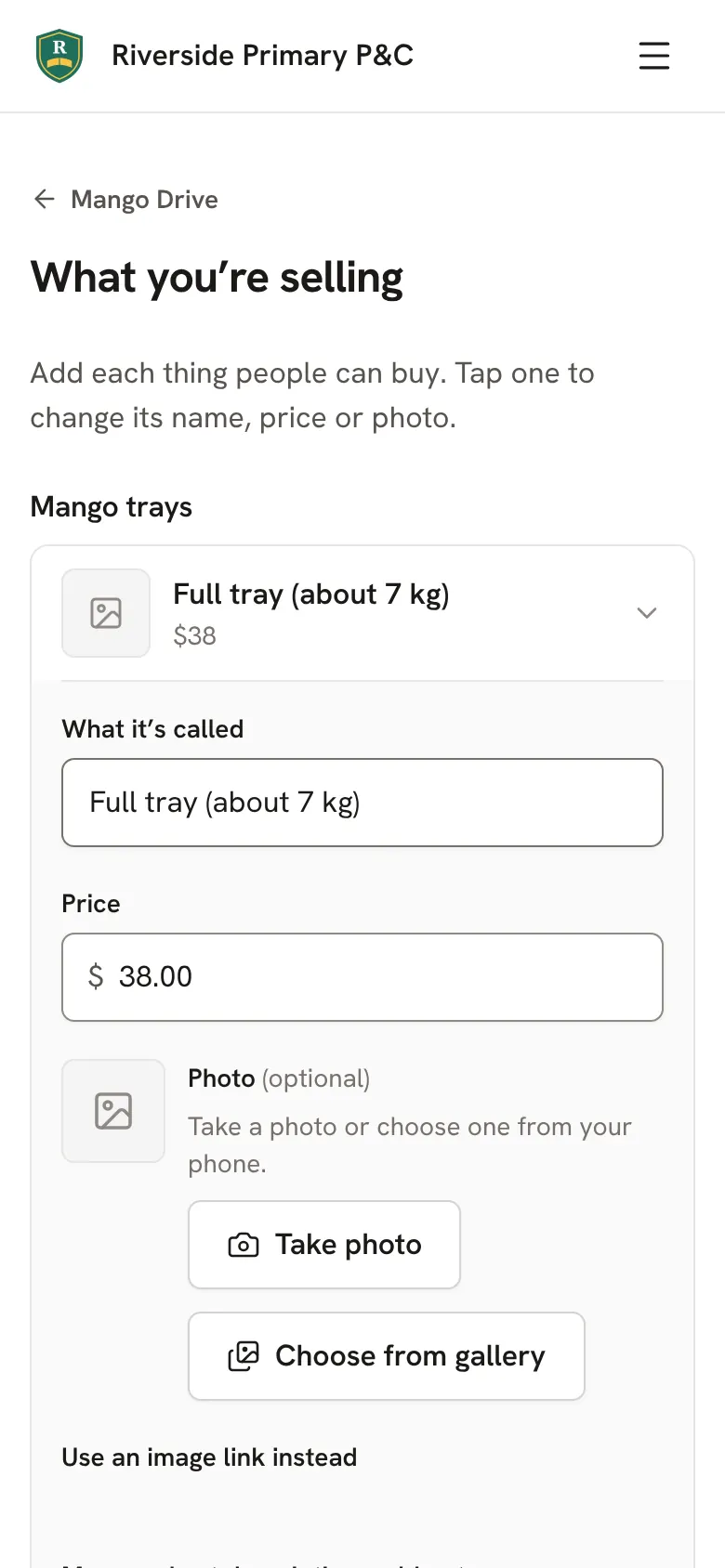
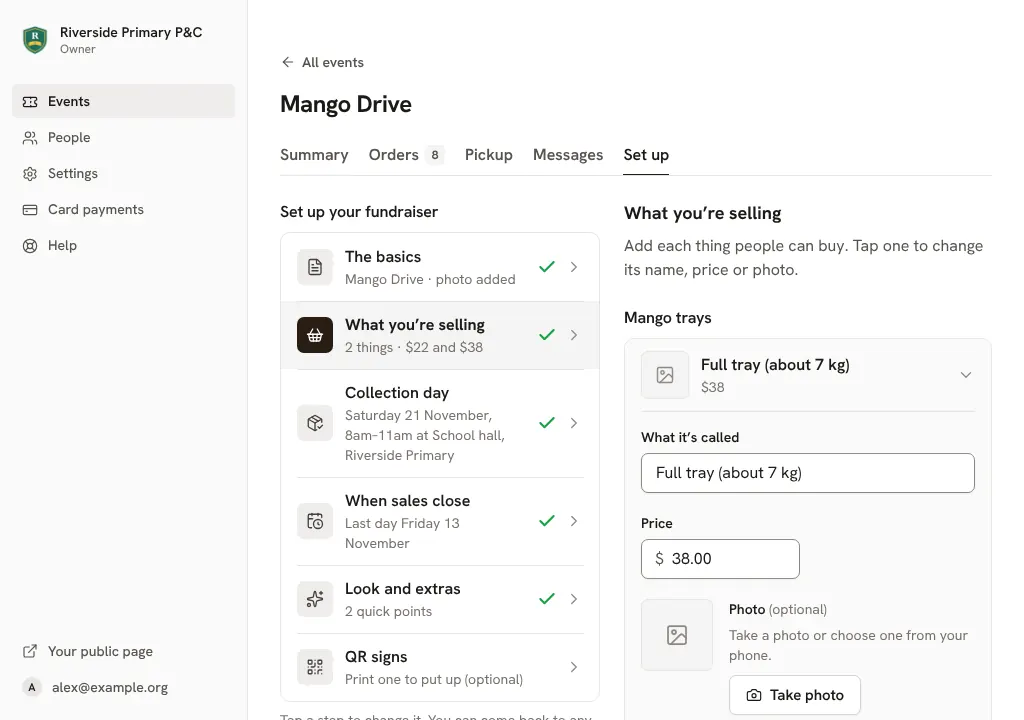
Tap one to change its name, price or photo. Tap Add another for another size or flavour.Click one to change its name, price or photo. Click Add another for another size or flavour.
Selling something else too, like raffle tickets beside your pre-orders? Add it under Selling something else too? Each one has its own checkout.
Tap Save when you're done.Click Save when you're done.
Good to know
- Run out of something? Tap it and mark it sold out. It stays on the page so people know it was there.Run out of something? Click it and mark it sold out. It stays on the page so people know it was there.
- For entry tickets you can set How many people can come? Sales stop when it's full.
Still stuck? Open Help in your console and ask. You get an answer straight away, and a person from our team whenever you need one.