 Sorted Fundraising
Preview and publish
See it exactly as buyers will, then make it live.
Show me how on
Open your fundraiser. Ready to go? says what's still to do. Tap a line to go straight to that step.Open your fundraiser. Ready to go? says what's still to do. Click a line to go straight to that step.
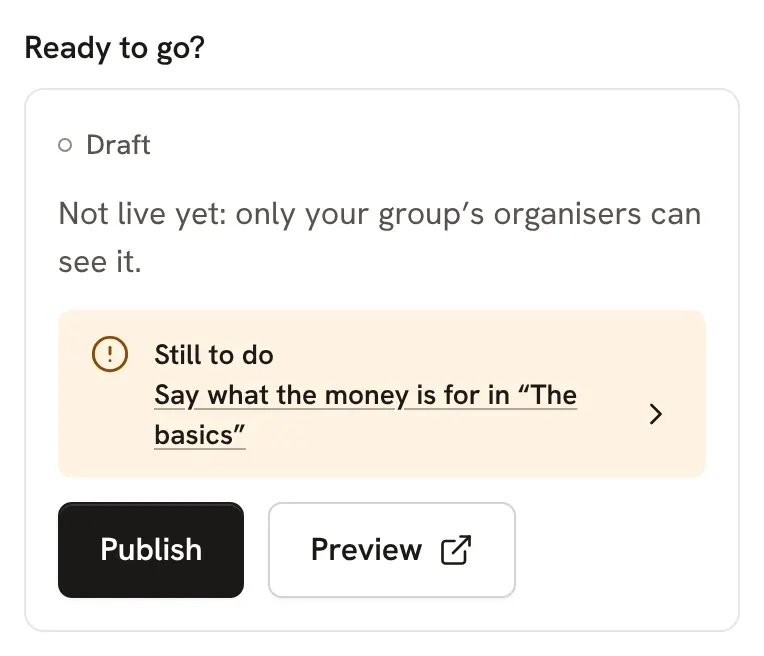
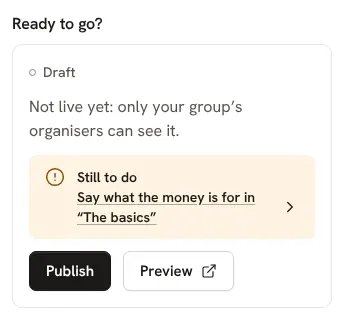
Tap Preview to see the page as buyers will. Payments are switched off while it's a draft.Click Preview to see the page as buyers will. Payments are switched off while it's a draft.
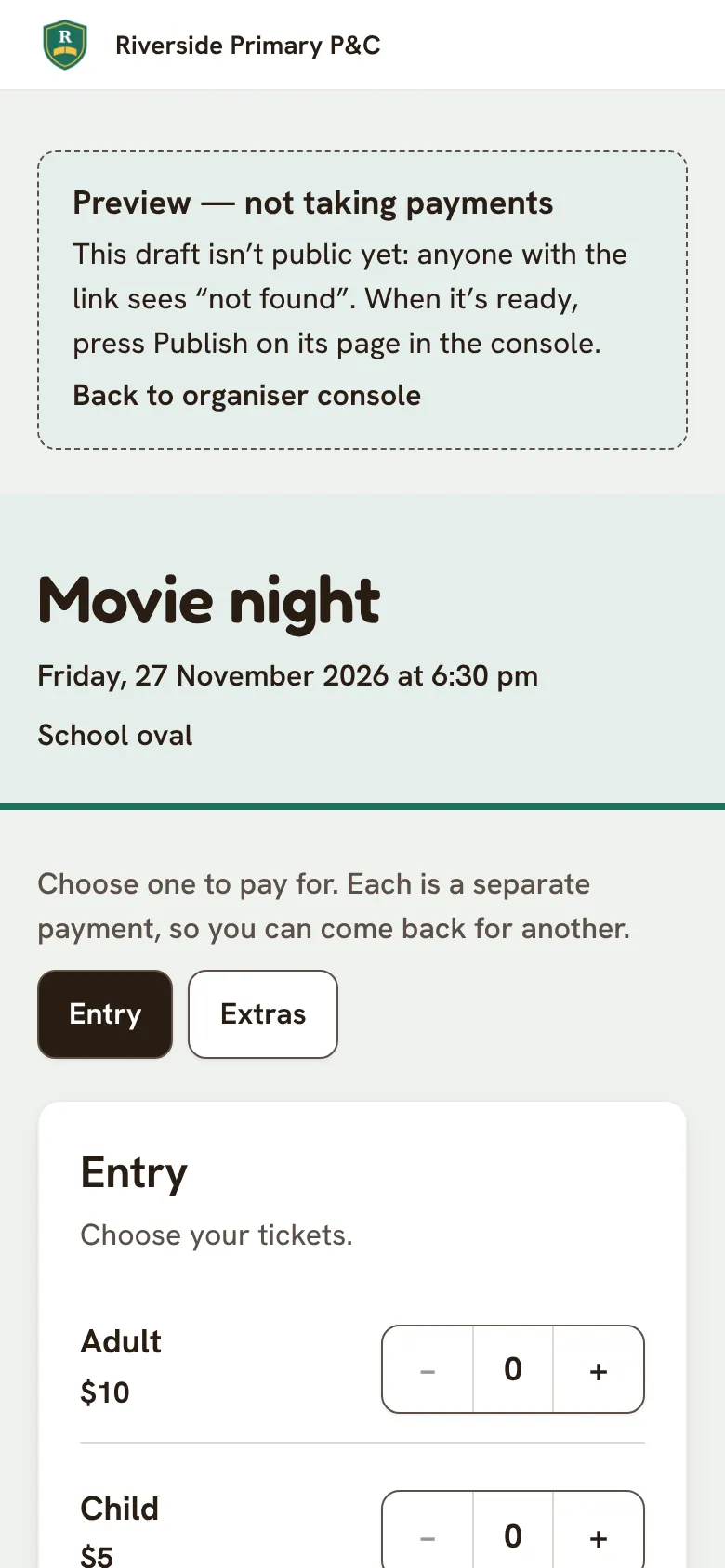
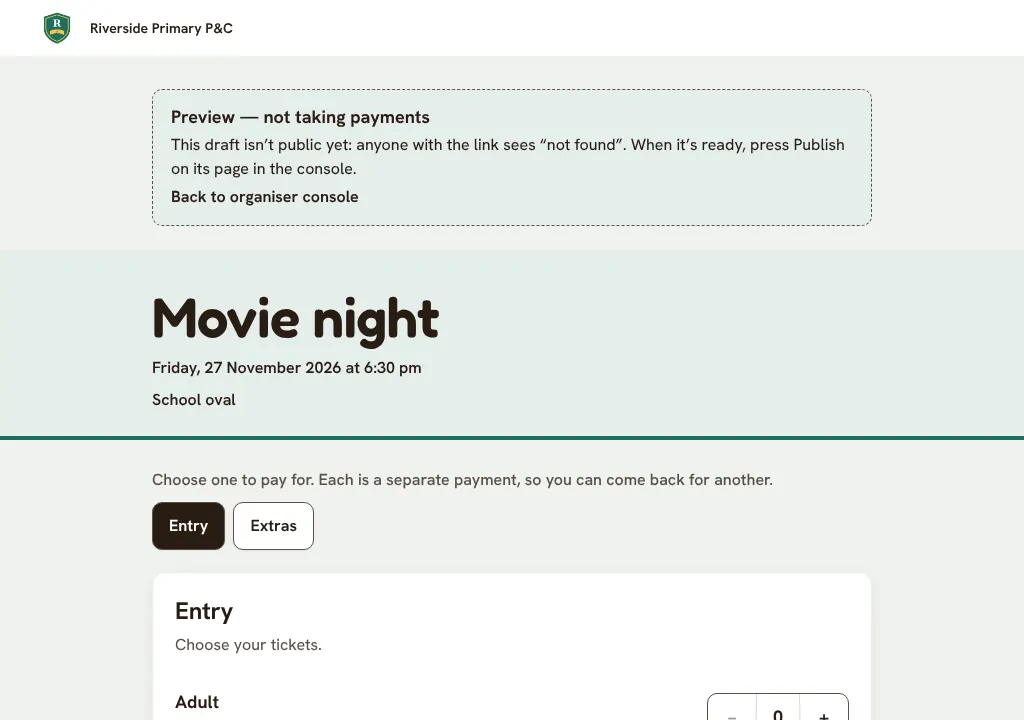
When you're happy, tap Publish. Its page goes public and starts taking payments.When you're happy, click Publish. Its page goes public and starts taking payments.
Good to know
- Waiting for our check, or for card payments? You can still publish. It goes live once those are done.
Still stuck? Open Help in your console and ask. You get an answer straight away, and a person from our team whenever you need one.