 Sorted Fundraising
Share your fundraiser
Send the link to your group chats, and print a QR sign.
Show me how on
Open your fundraiser. Under Share, tap Copy link and paste it into your class chats, newsletter or Facebook page.Open your fundraiser. Under Share, click Copy link and paste it into your class chats, newsletter or Facebook page.
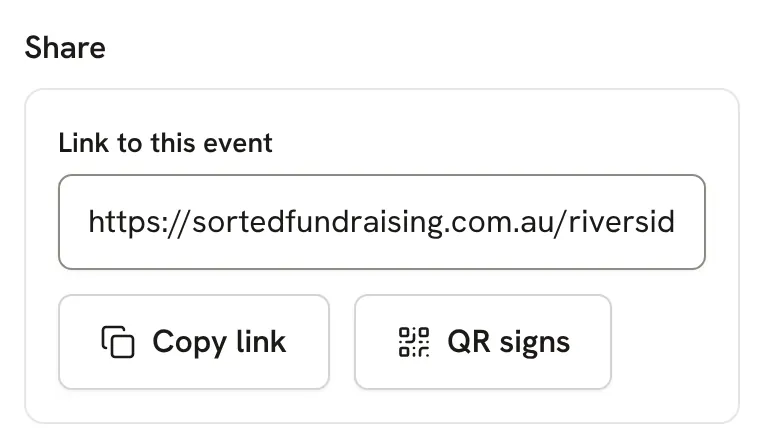
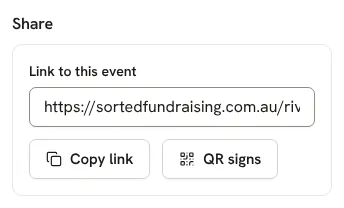
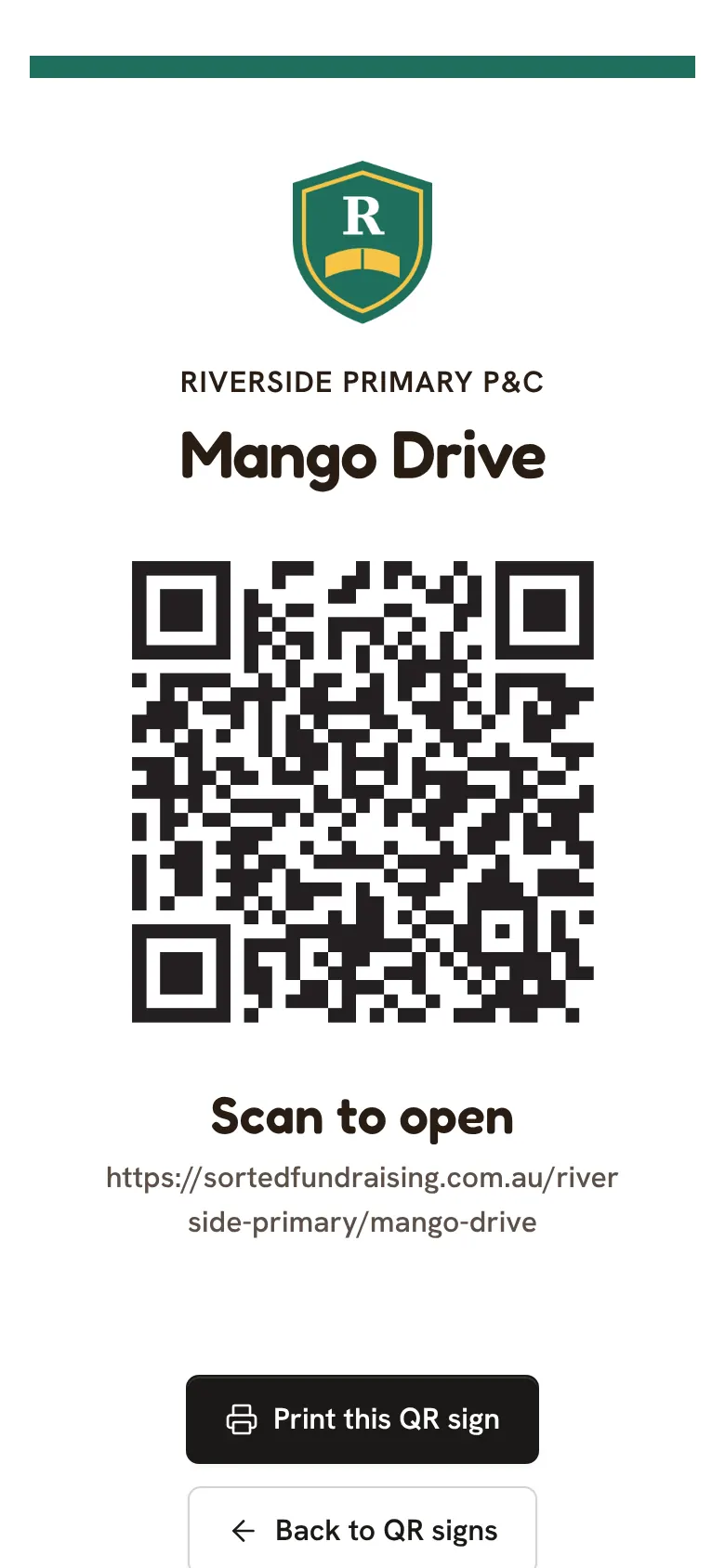
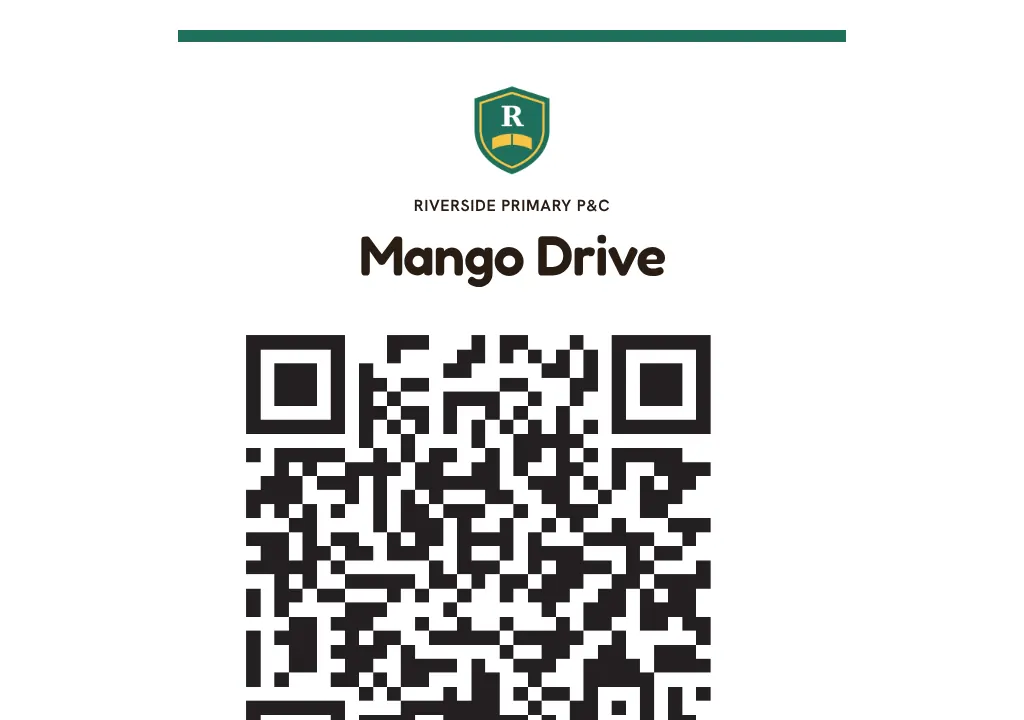
Tap QR signs for a sign to print and put up. Scanning it opens the fundraiser, ready to buy.Click QR signs for a sign to print and put up. Scanning it opens the fundraiser, ready to buy.
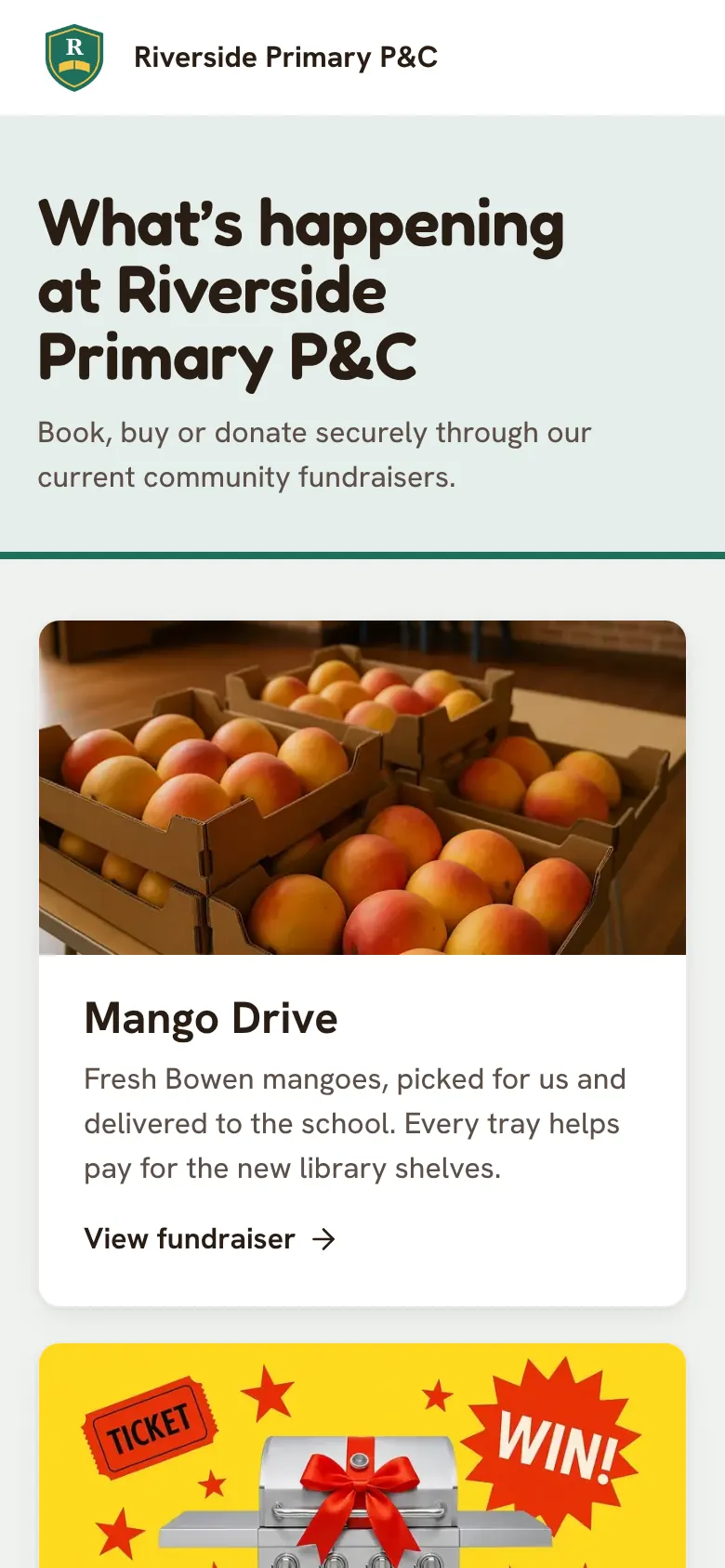
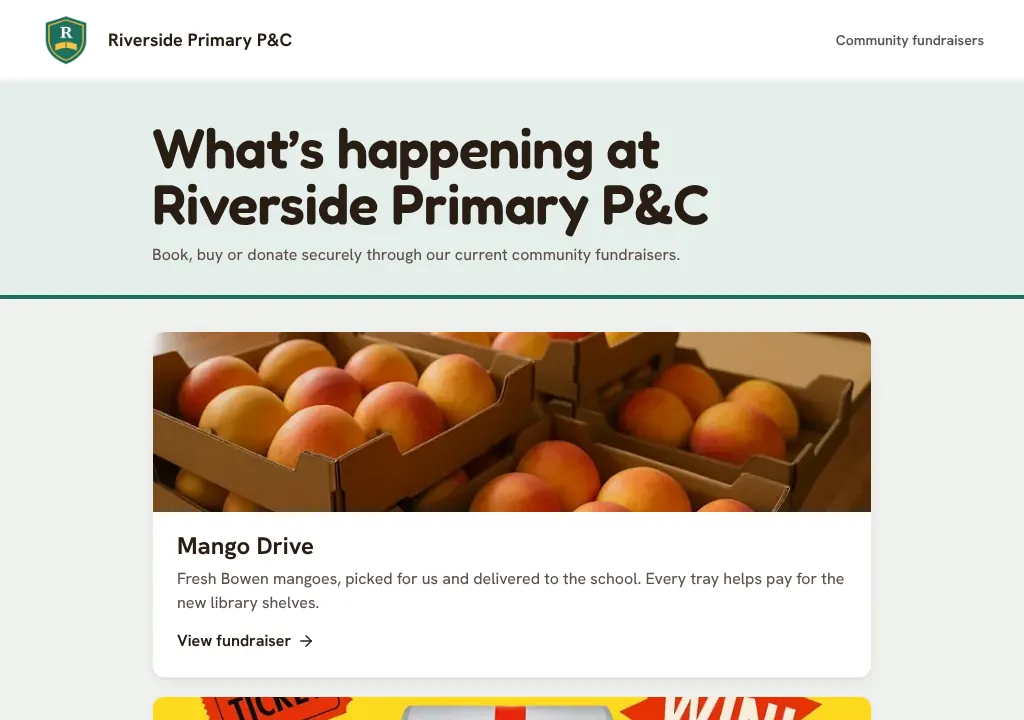
Your group also has its own page, listing every fundraiser that's open.
Good to know
- To keep a fundraiser off your group's page, untick Show it on our group page in Look and extras. Only people with the link can find it then.
Still stuck? Open Help in your console and ask. You get an answer straight away, and a person from our team whenever you need one.