 Sorted Fundraising
Put it on your own website
Show your fundraisers on your school or club website, and buyers pay without leaving it.
Show me how on
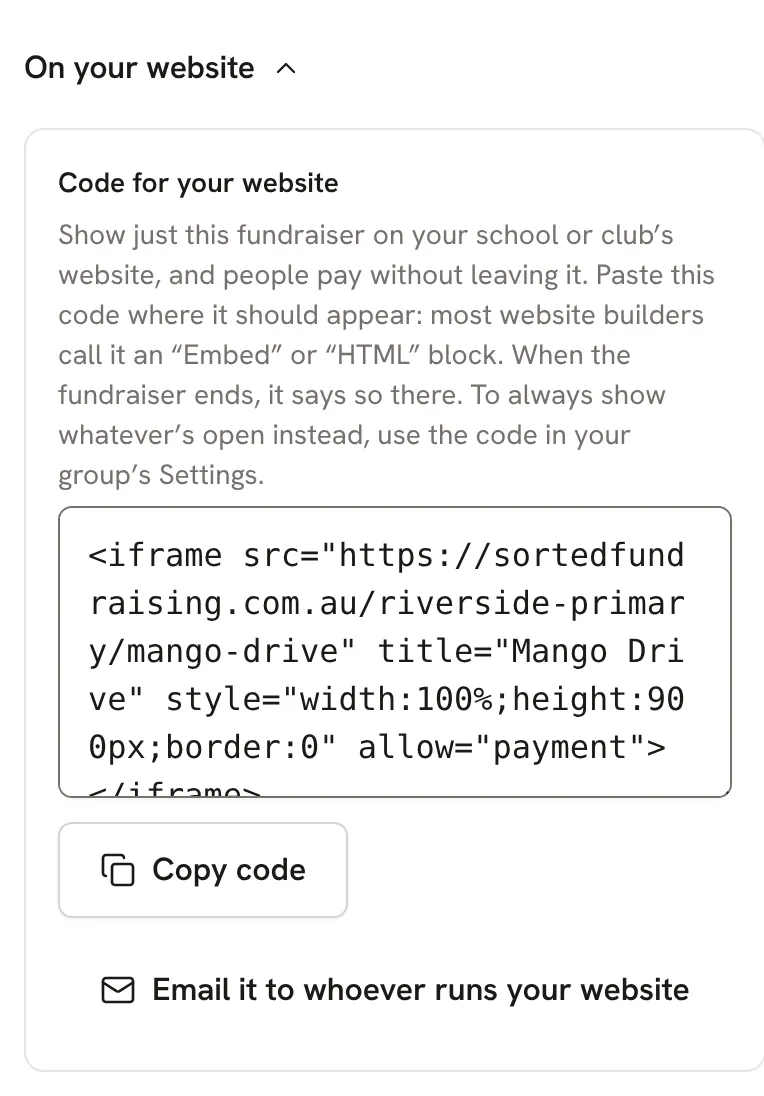
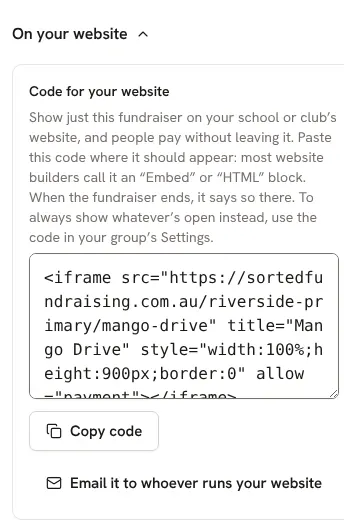
For one fundraiser: open it, then tap On your website to see its code.For one fundraiser: open it, then click On your website to see its code.
For all of them: open Settings, then Website. That code shows your group's page, so it never needs changing.
Paste the code into an "Embed" or "HTML" block on your website, or tap Email it to whoever runs your website.Paste the code into an "Embed" or "HTML" block on your website, or click Email it to whoever runs your website.
Still stuck? Open Help in your console and ask. You get an answer straight away, and a person from our team whenever you need one.