 Sorted Fundraising
Set up card payments
Connect your group's Square account so buyers can pay by card, Apple Pay and Google Pay.
In your console, open the menu and tap Card payments. Only the group's owners can do this.In your console, click Card payments in the list on the left. Only the group's owners can do this.
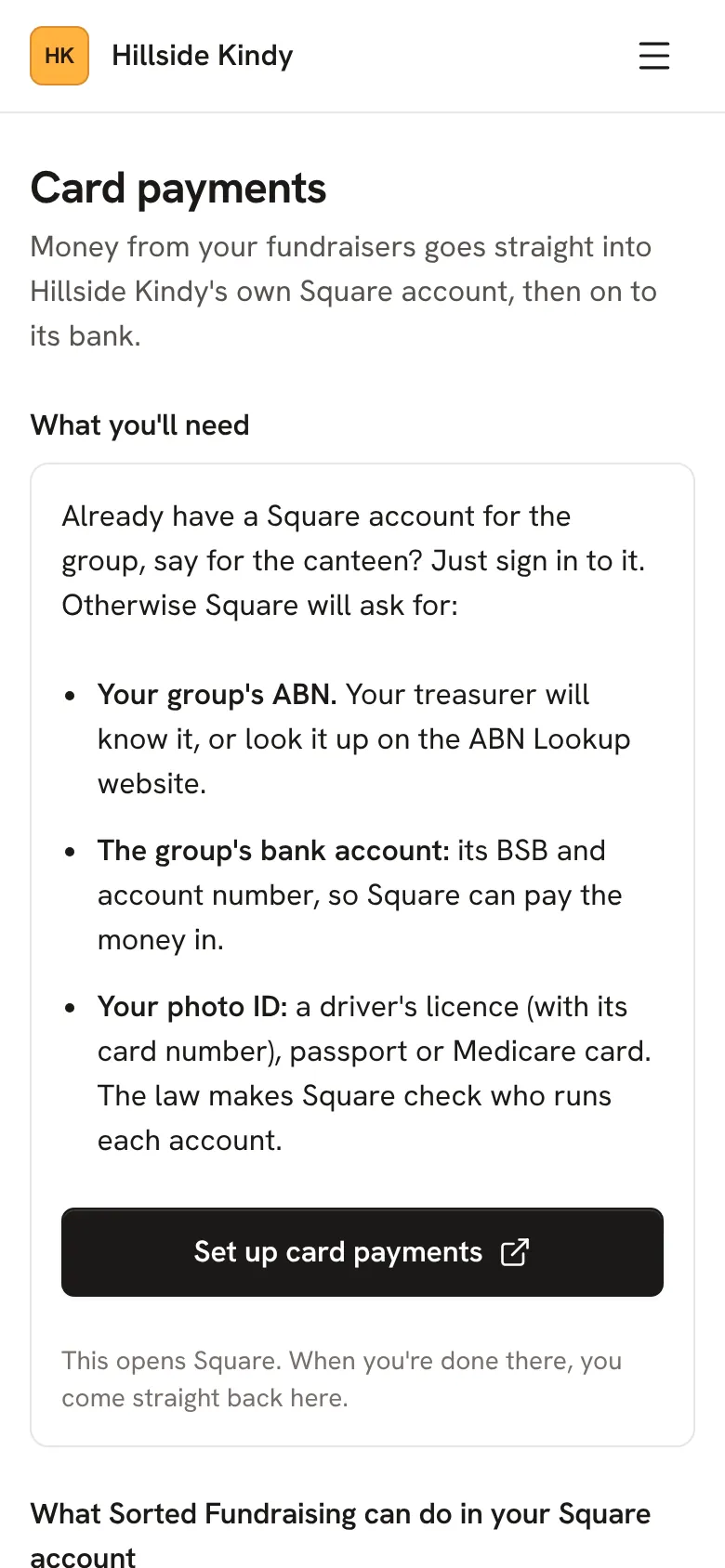
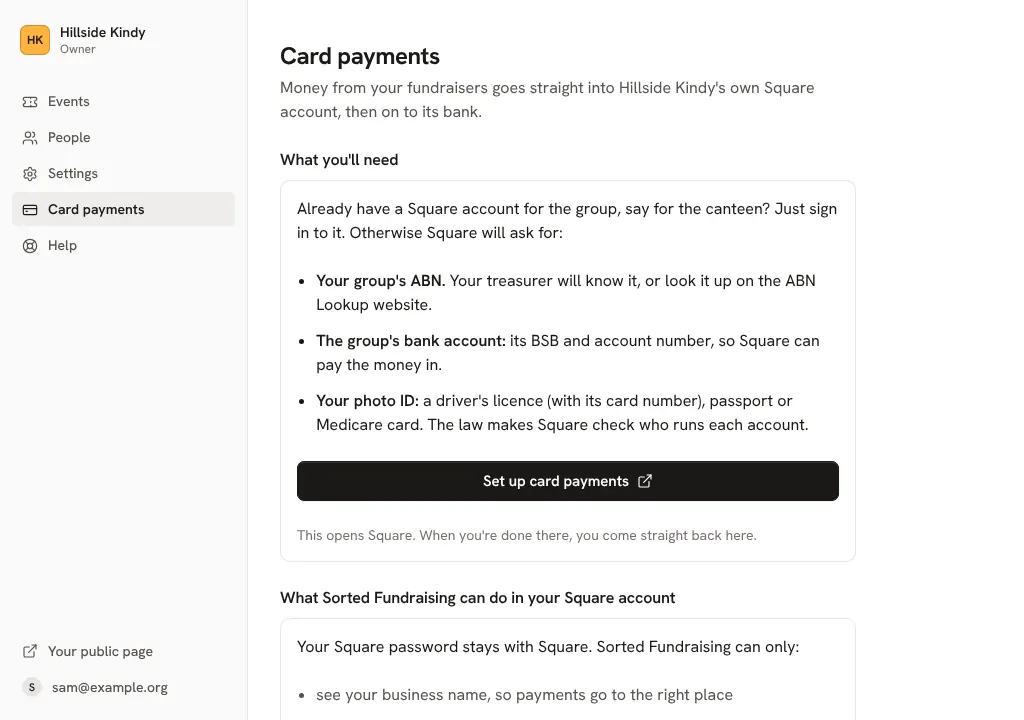
Have these ready: your group's ABN, the group's bank account (BSB and account number) and your photo ID. If your group already has a Square account, say for the canteen, you just sign in to it.
Tap Set up card payments. Square opens: sign in or make an account, then you come straight back here.Click Set up card payments. Square opens: sign in or make an account, then you come straight back here.
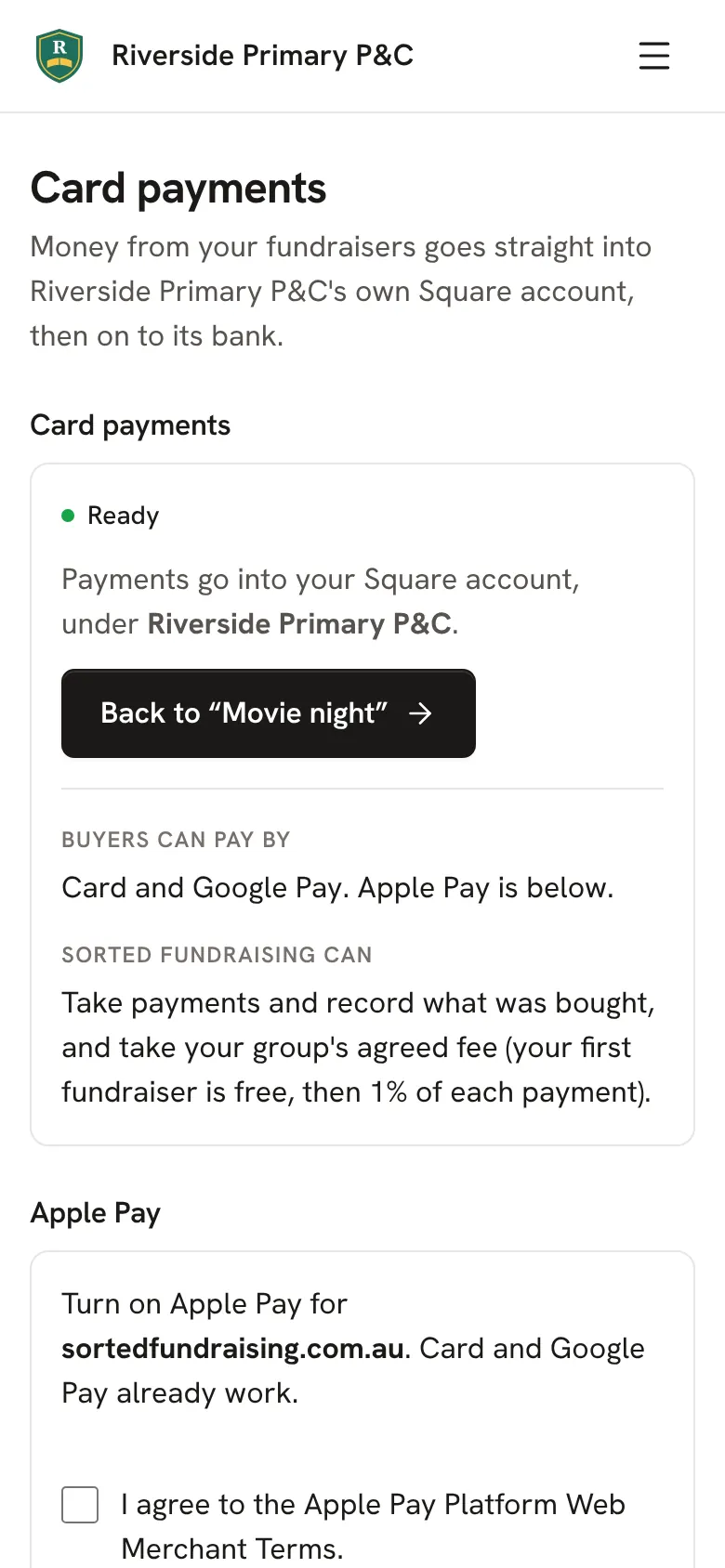
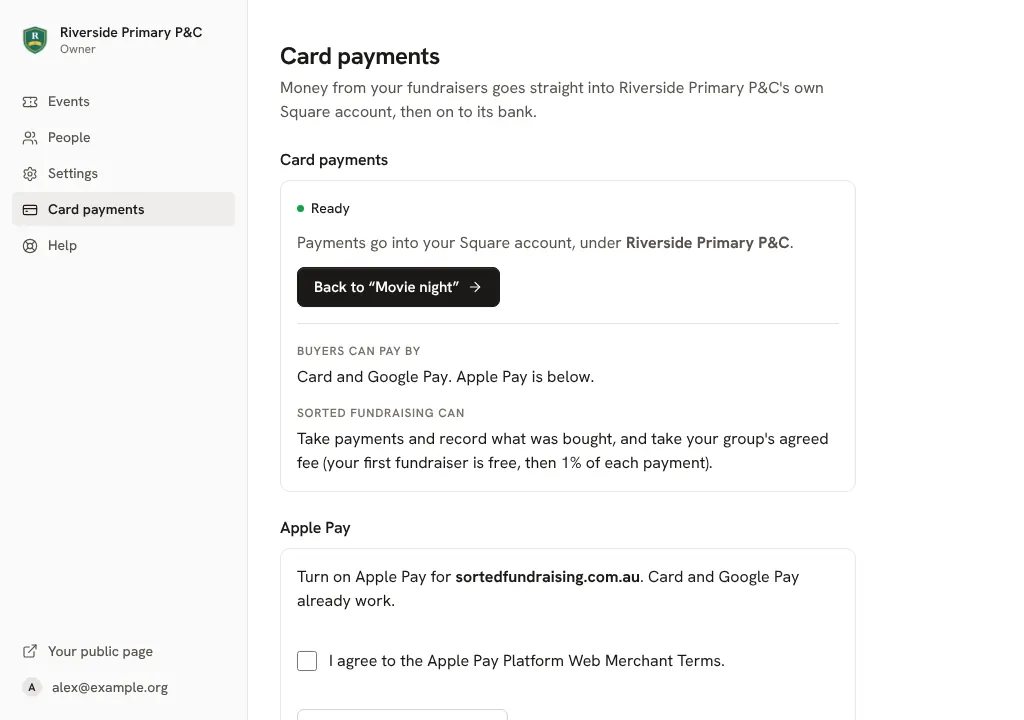
Choose which part of your Square account the money goes to, and tap Use this one. When the screen says Ready, buyers can pay.Choose which part of your Square account the money goes to, and click Use this one. When the screen says Ready, buyers can pay.
Good to know
- Money goes straight into your group's Square account, then to your bank as Square normally pays you. It never passes through us.
- Square takes its own processing fee from each payment, as it always does. Our fee is on Pricing.
Still stuck? Open Help in your console and ask. You get an answer straight away, and a person from our team whenever you need one.