 Sorted Fundraising
Sign in to your group
Use your Google account or an emailed link. There's no password to remember.
Open Sign in. If Google offers your account, check it's the email you use for your group, then tap it to sign in.Open Sign in. If Google offers your account, check it's the email you use for your group, then click it to sign in.
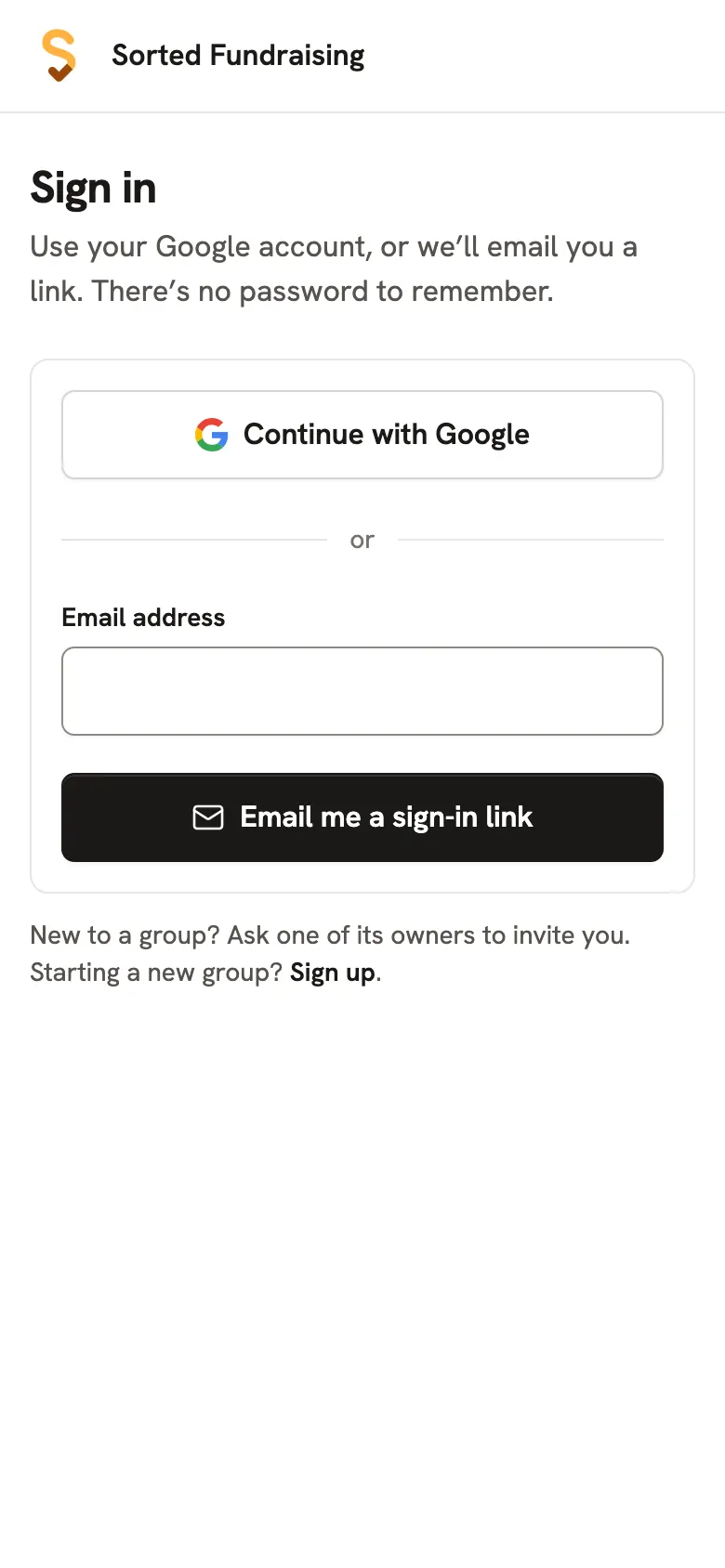
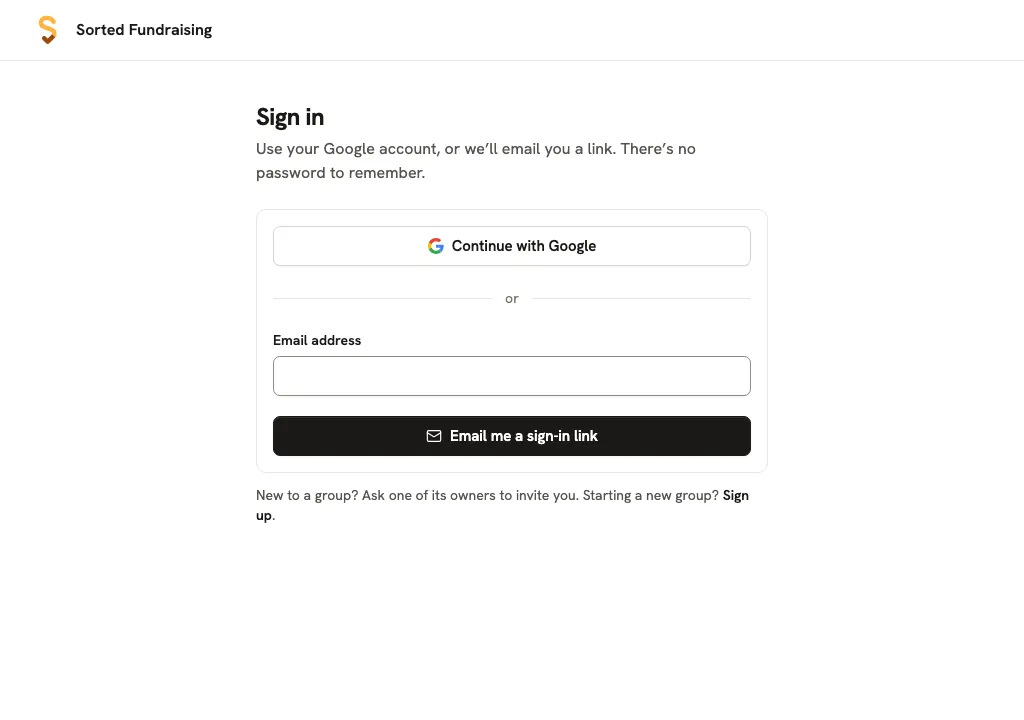
If the prompt doesn't appear or shows the wrong account, tap Continue with Google and choose the account you use for your group.If the prompt doesn't appear or shows the wrong account, click Continue with Google and choose the account you use for your group.
Prefer an emailed link? Type the email you use for your group and tap Email me a sign-in link. Open the email and tap its link, then tap Sign in. The link works once, for 15 minutes.Prefer an emailed link? Type the email you use for your group and click Email me a sign-in link. Open the email and click its link, then click Sign in. The link works once, for 15 minutes.
Good to know
- Google sign-in is optional. If it isn't offered or doesn't work, use the emailed link. Check your junk folder if the email hasn't arrived in a few minutes.
- Joining someone else's group? Ask an owner to invite your email address, then open the invitation. Starting your own? See Start your group.
Still stuck? Open Help in your console and ask. You get an answer straight away, and a real person whenever you need one.