 Sorted Fundraising
Add people to your group
Invite other organisers, a co-owner, or helpers for pickup day.
Show me how on
In your console, tap People to see who's in your group and what each can do.In your console, click People to see who's in your group and what each can do.
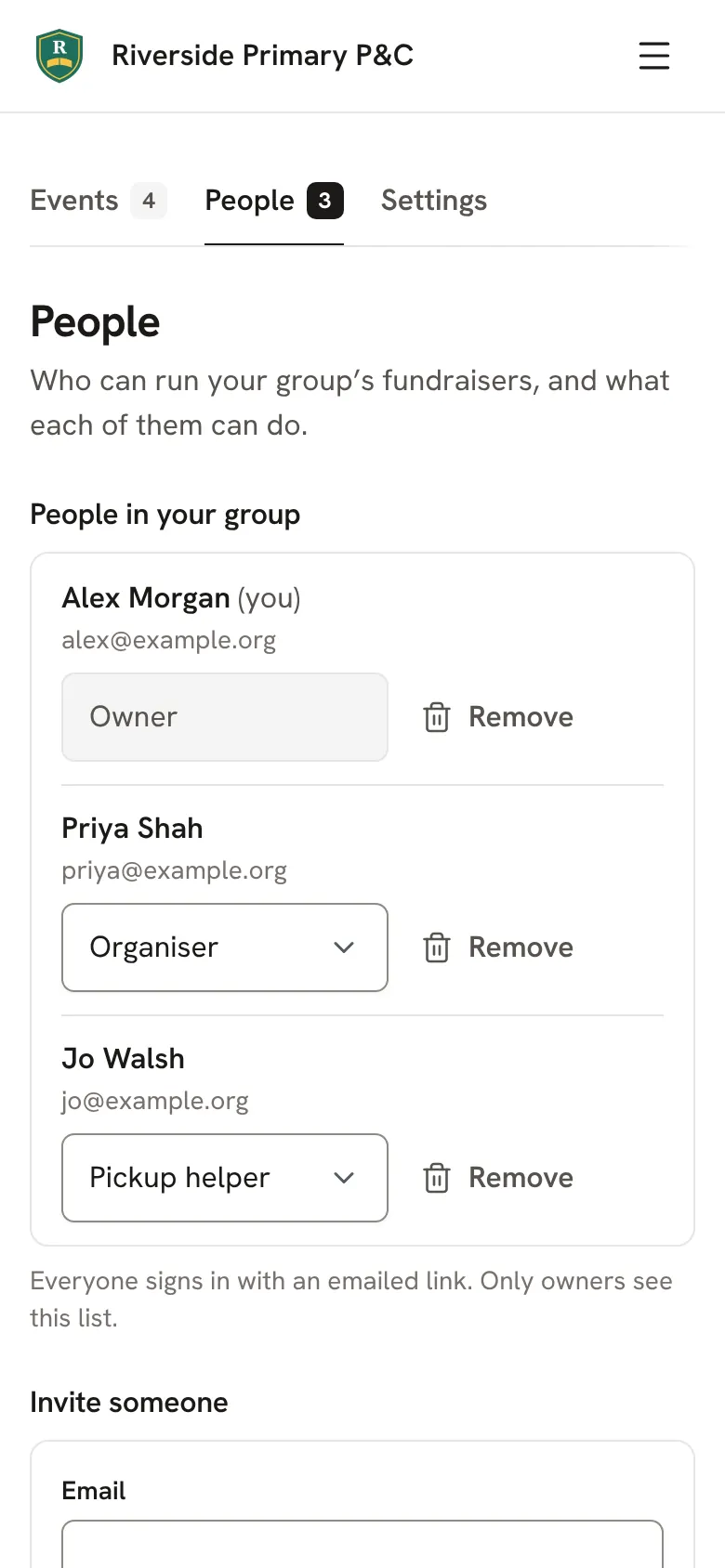
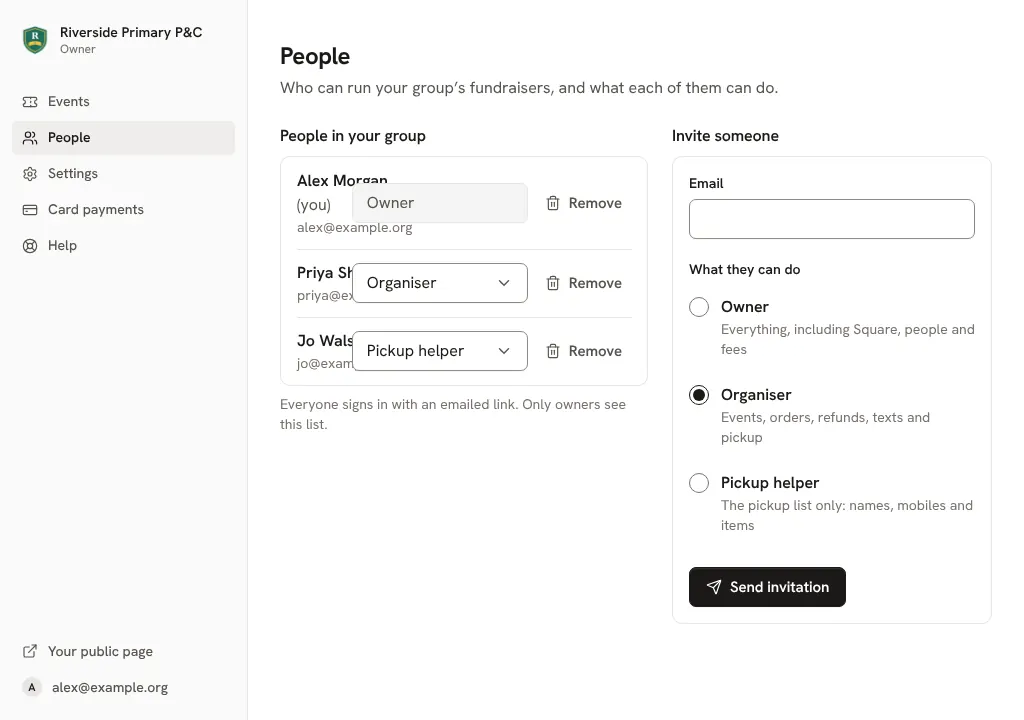
Under Invite someone, type their email and choose what they can do. Owner: everything, including Square, people and fees. Organiser: events, orders, refunds, texts and pickup. Pickup helper: the pickup list only.
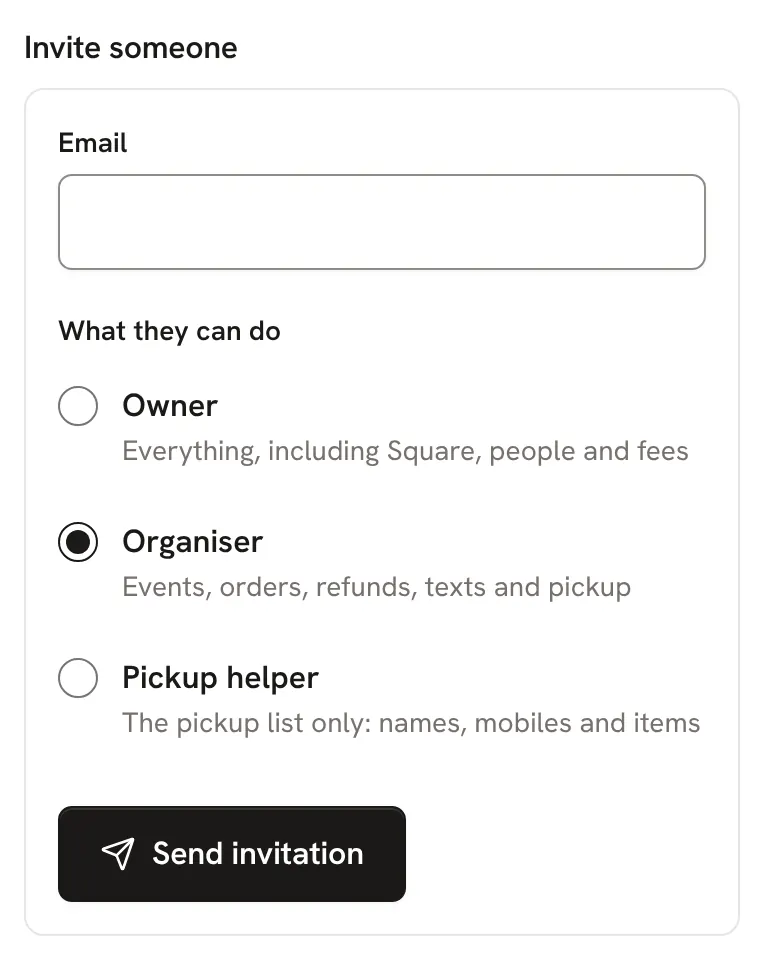
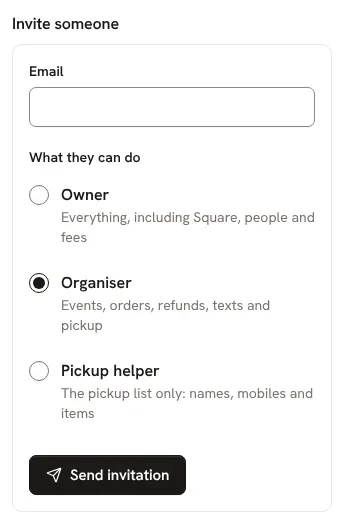
They get an email with a link to join. They sign in with the Google account for that email, or with an emailed link.
Good to know
- Leaving the job? Make next year's organiser an owner before you go, so nothing gets stuck.
Still stuck? Open Help in your console and ask. You get an answer straight away, and a person from our team whenever you need one.