 Sorted Fundraising
Your group's details and look
Your group's name, logo, colour and style, used on every fundraiser.
Show me how on
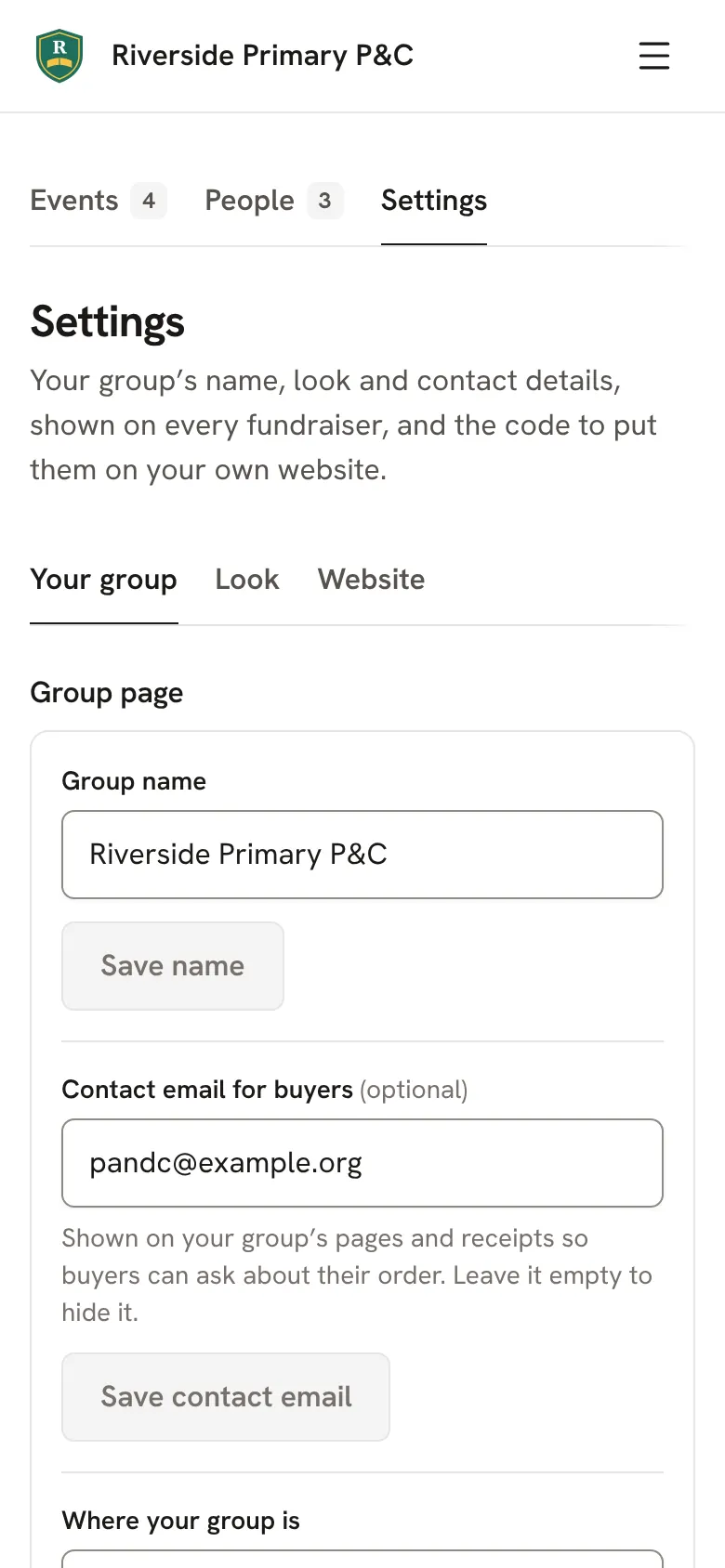
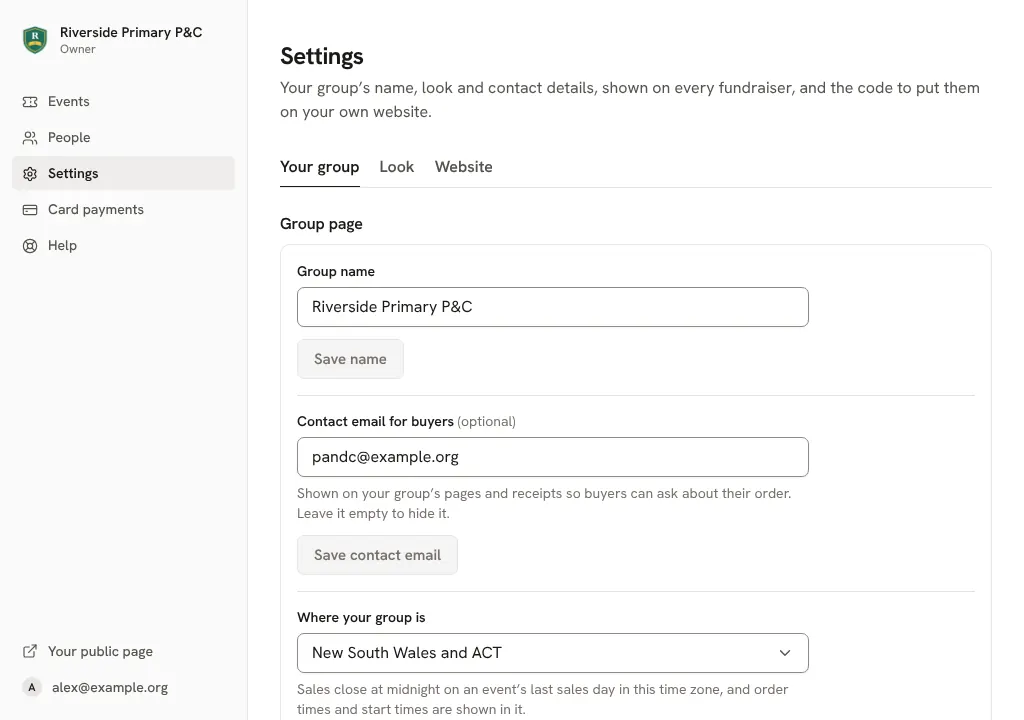
In your console, tap Settings. Under Your group you can change the name, the Contact email for buyers and Where your group is.In your console, click Settings. Under Your group you can change the name, the Contact email for buyers and Where your group is.
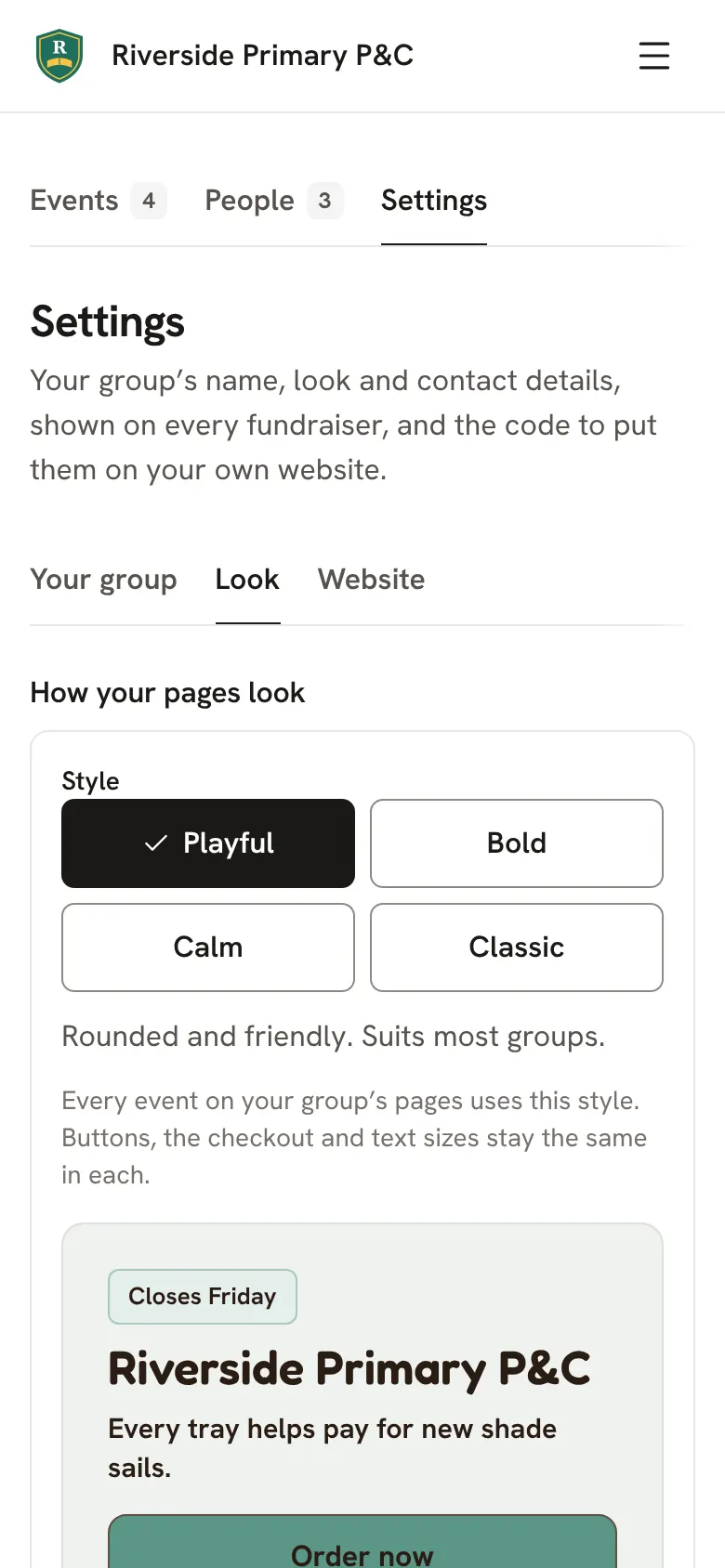
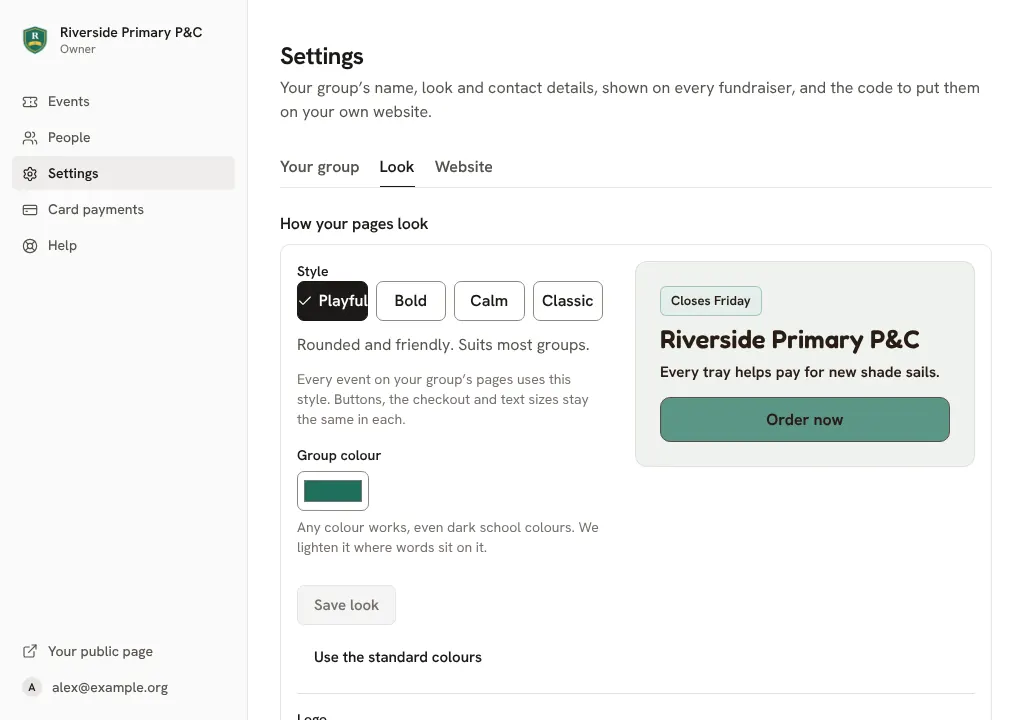
Tap Look to add your logo and pick a colour and a style. Every fundraiser follows it.Click Look to add your logo and pick a colour and a style. Every fundraiser follows it.
Good to know
- At checkout, buyers can tick a box to add a little so your group keeps the full price. It's never ticked for them. To stop offering it, untick Let buyers choose to cover costs in Settings.
Still stuck? Open Help in your console and ask. You get an answer straight away, and a person from our team whenever you need one.