 Sorted Fundraising
Check an email or text went
See every email and text your group sent, and whether it went.
In your group's menu, tap Sent. It lists every email and text from your group, newest first: order confirmations, your messages to buyers, Tell past buyers, and reminders and invitations to your helpers.In your group's menu, click Sent. It lists every email and text from your group, newest first: order confirmations, your messages to buyers, Tell past buyers, and reminders and invitations to your helpers.
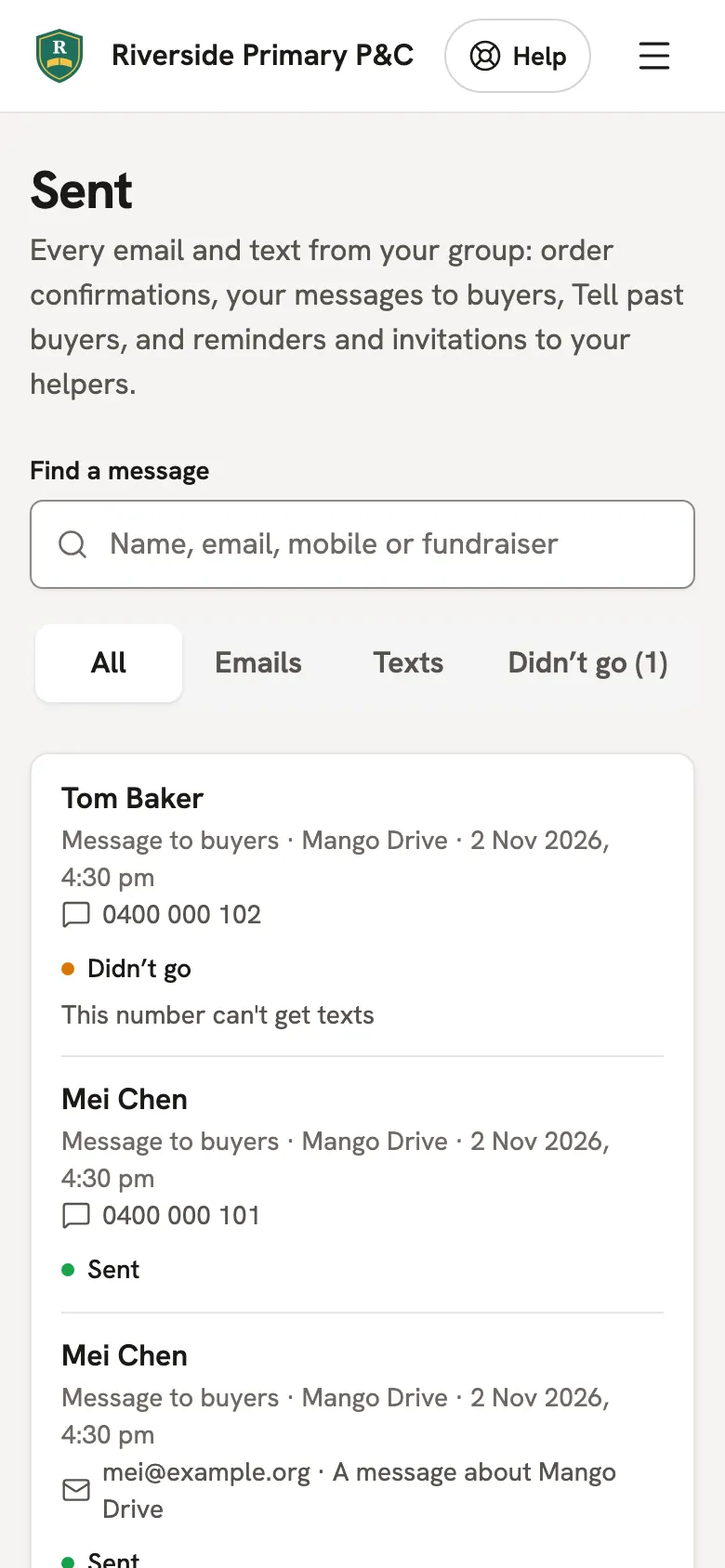
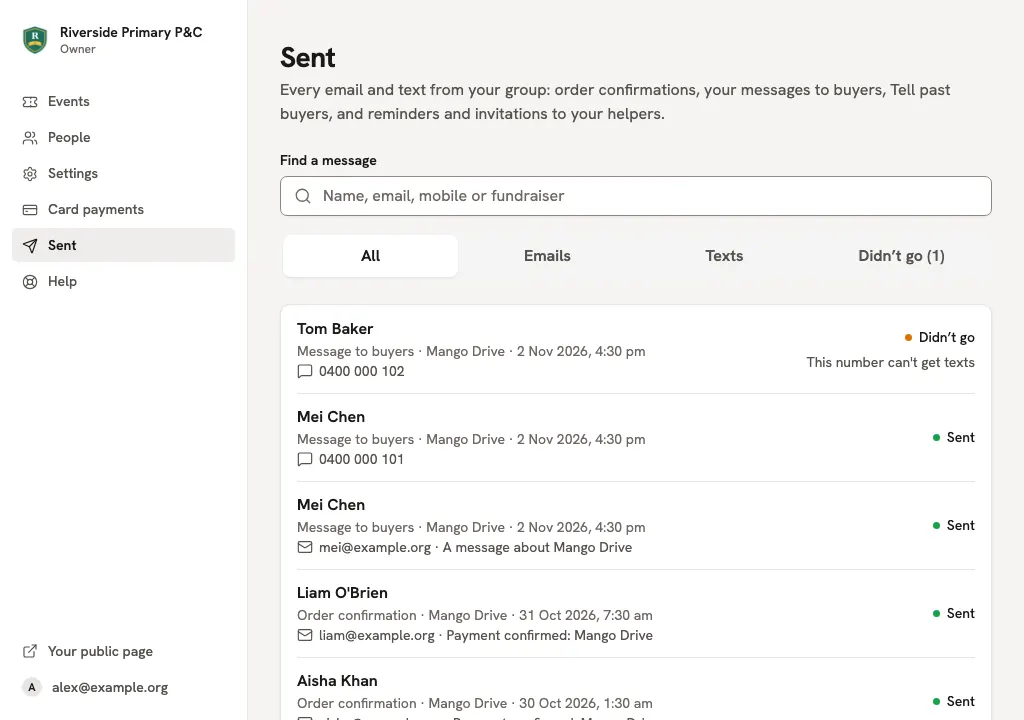
Type a name, email, mobile or fundraiser under Find a message to look for one. Tap Didn’t go to see only the ones that didn't send, with why.Type a name, email, mobile or fundraiser under Find a message to look for one. Click Didn’t go to see only the ones that didn't send, with why.
Someone says they didn't get their confirmation? Check their address here. If it's wrong, or it didn't go, message them from Messages, or ask them to check their junk folder.
Good to know
- Sent means the email or text service took it. An email can still bounce afterwards, for example to a mistyped address.
- Owners and organisers can see Sent. It keeps a year of messages.
Still stuck? Open Help in your console and ask. You get an answer straight away, and a real person whenever you need one.