 Sorted Fundraising
See your orders and takings
Who's paid, for what, and a spreadsheet for the treasurer.
Show me how on
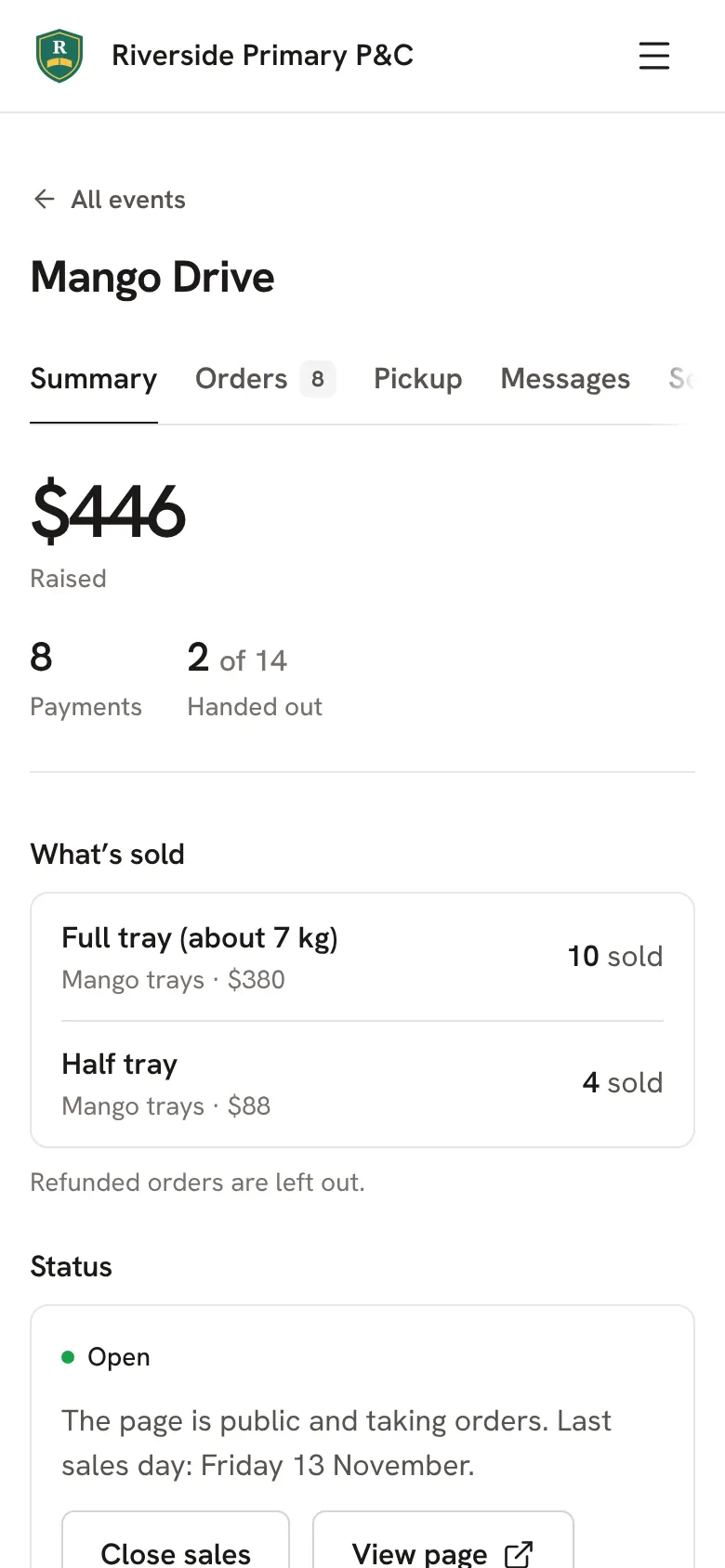
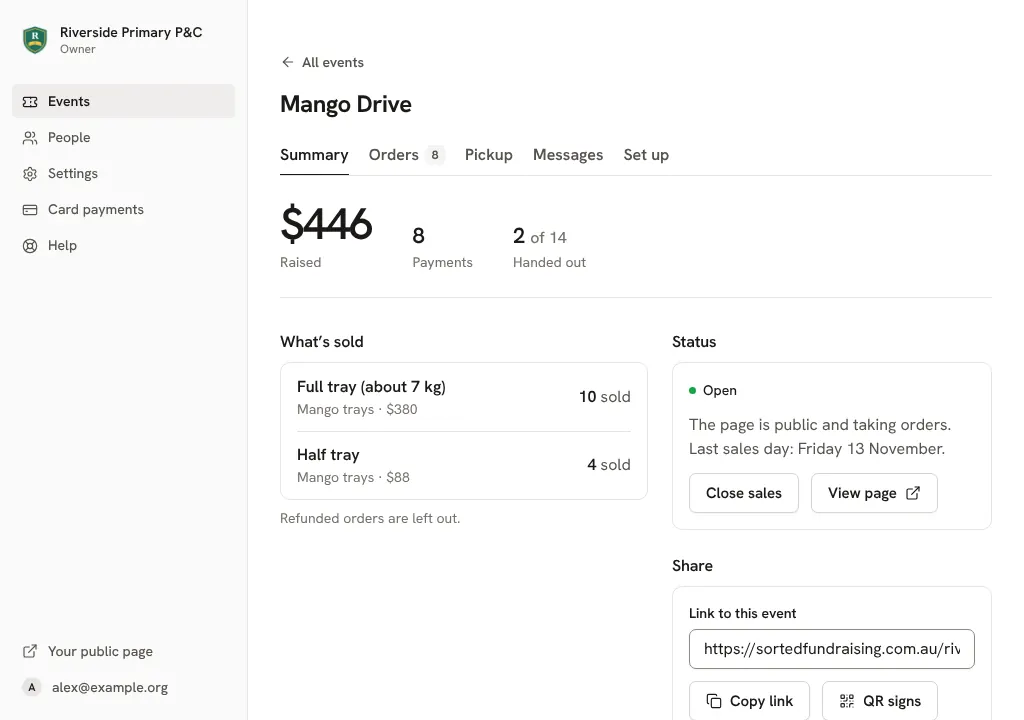
Open your fundraiser. Summary shows the money raised, the number of payments, what buyers added to cover costs and how many of each thing sold.
Tap Orders for every order: the buyer, what they bought, and their email and mobile to tap. Type in Find a buyer to look someone up.Click Orders for every order: the buyer, what they bought, and their email and mobile to click. Type in Find a buyer to look someone up.
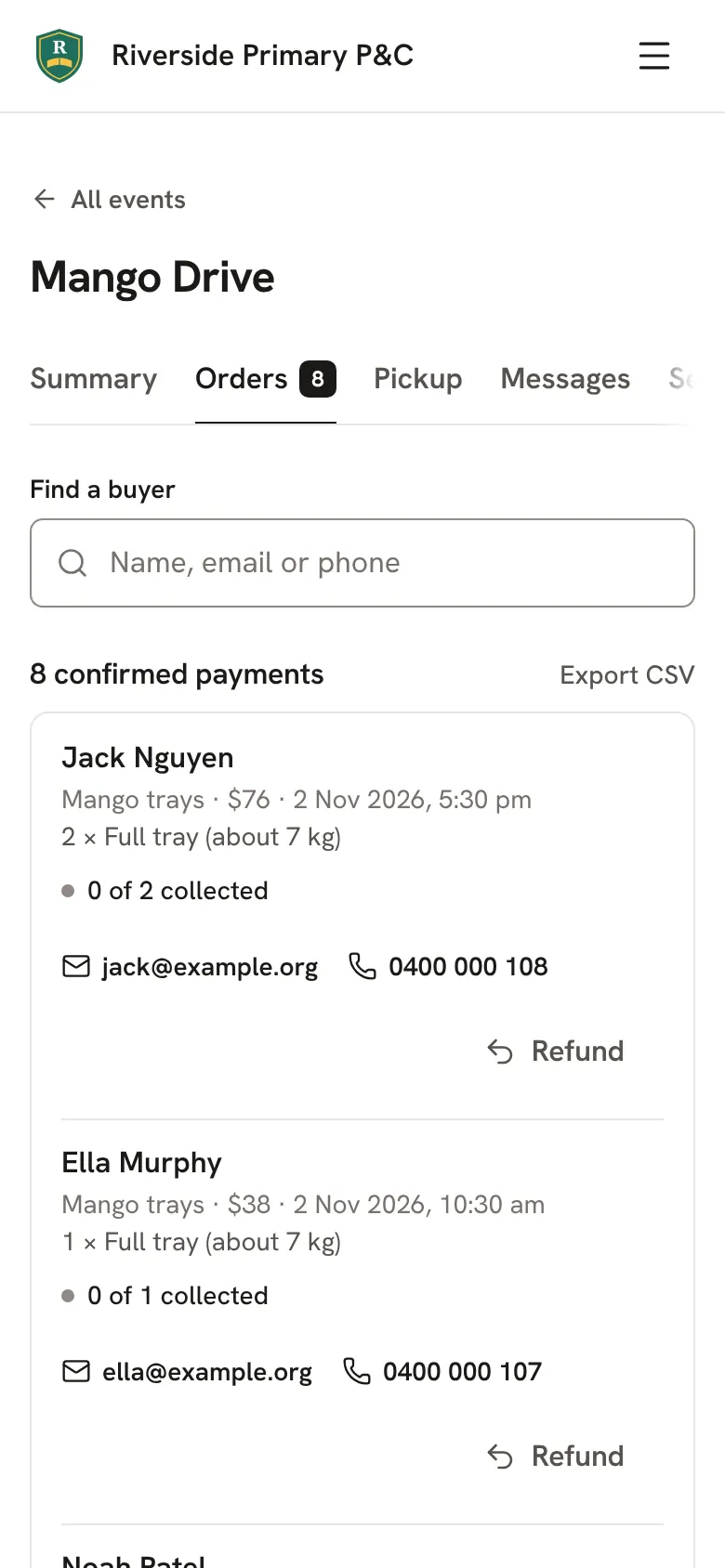
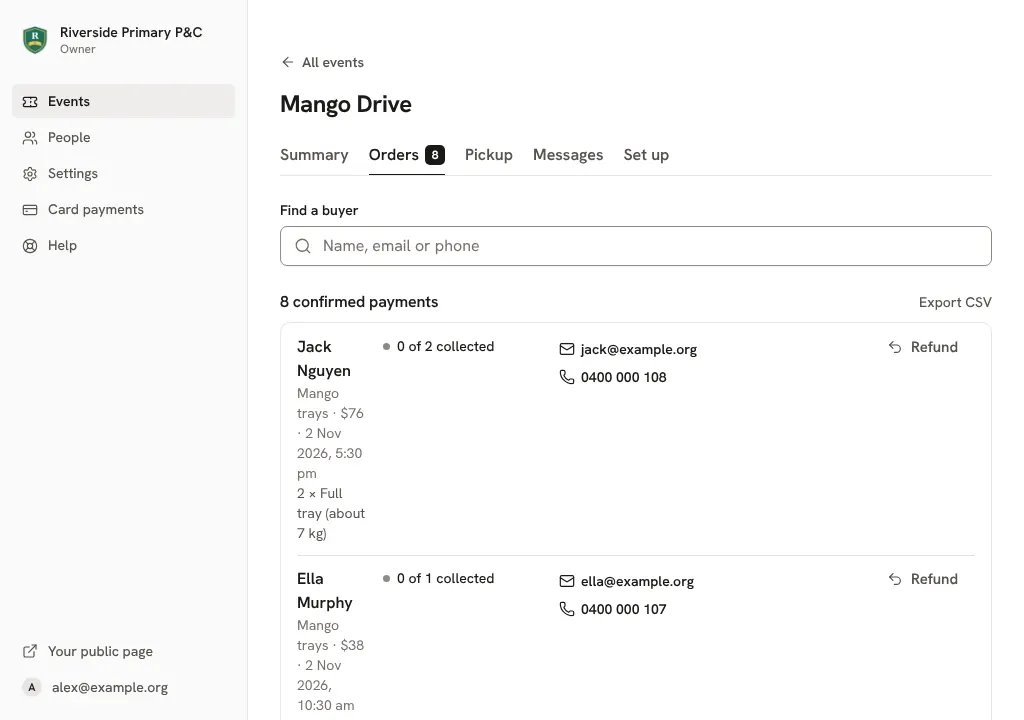
Tap Export CSV for a spreadsheet of every order, ready for the treasurer.Click Export CSV for a spreadsheet of every order, ready for the treasurer.
Still stuck? Open Help in your console and ask. You get an answer straight away, and a person from our team whenever you need one.