 Sorted Fundraising
Refund an order
Give someone back everything they paid for an order.
Show me how on
Open your fundraiser, tap Orders and find the order.Open your fundraiser, click Orders and find the order.
Tap Refund. Check the amount and the buyer's name, then confirm. Tap Keep order if you change your mind.Click Refund. Check the amount and the buyer's name, then confirm. Click Keep order if you change your mind.
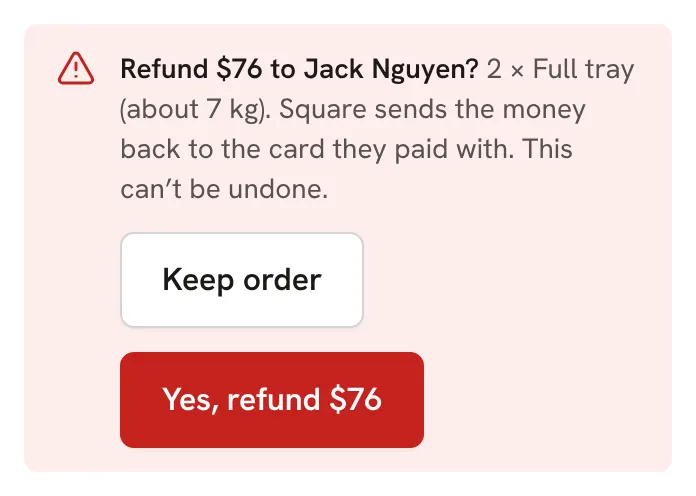

Square sends the money back to the card they paid with. It can't be undone.
Good to know
- A refund here gives back everything left on the order. To give back only part, refund it in the Square app instead: the order then shows as partly refunded, and Refund the rest gives back what's left.
- For your security, you need to have signed in within the last 12 hours. If it asks, sign in again.
- A refund that doesn't go through? Ask us in Help and a person will sort it out.
Still stuck? Open Help in your console and ask. You get an answer straight away, and a person from our team whenever you need one.