 Sorted Fundraising
Message your buyers
Email everyone who ordered, such as the collection day and time.
Show me how on
Open your fundraiser and tap Messages. Choose who to send to: everyone, or only people who haven't picked up yet.Open your fundraiser and click Messages. Choose who to send to: everyone, or only people who haven't picked up yet.
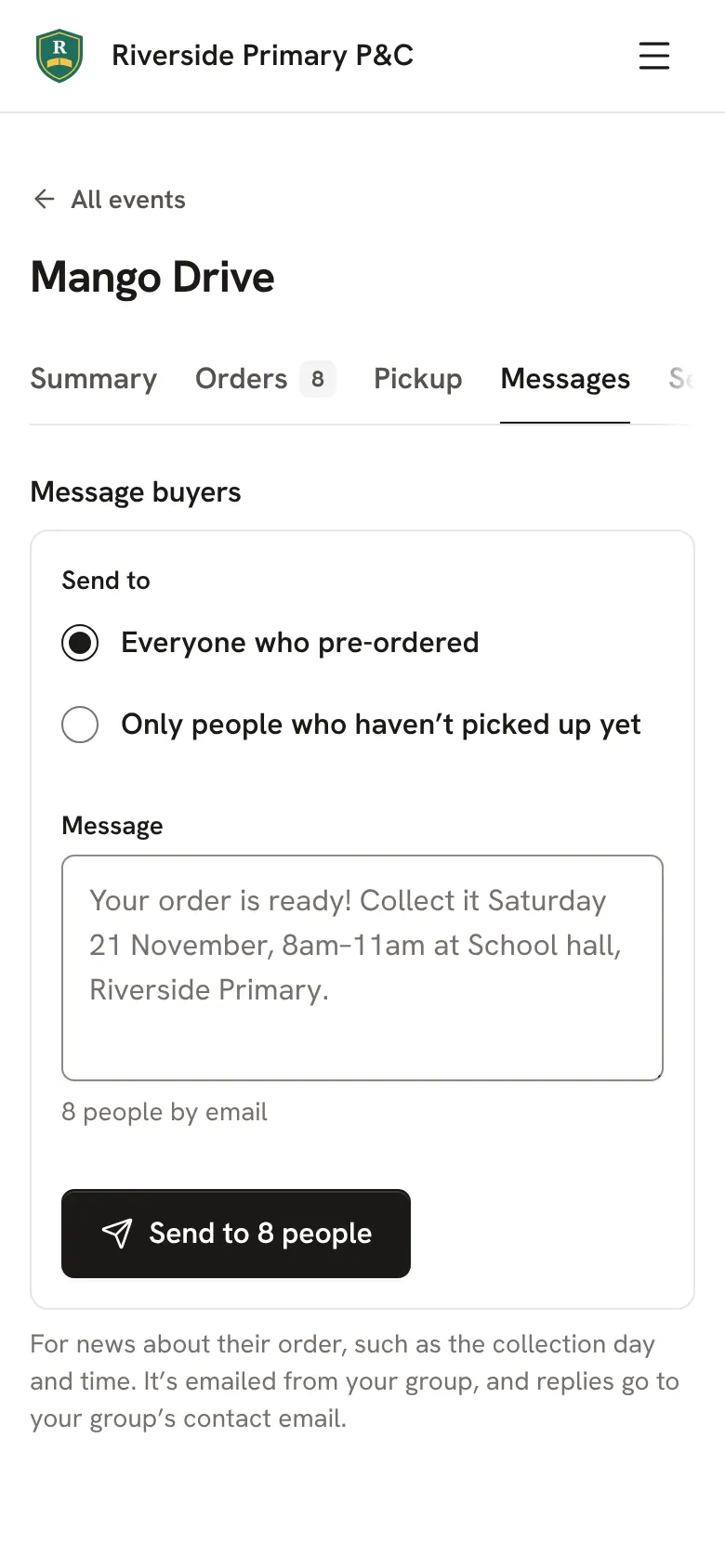
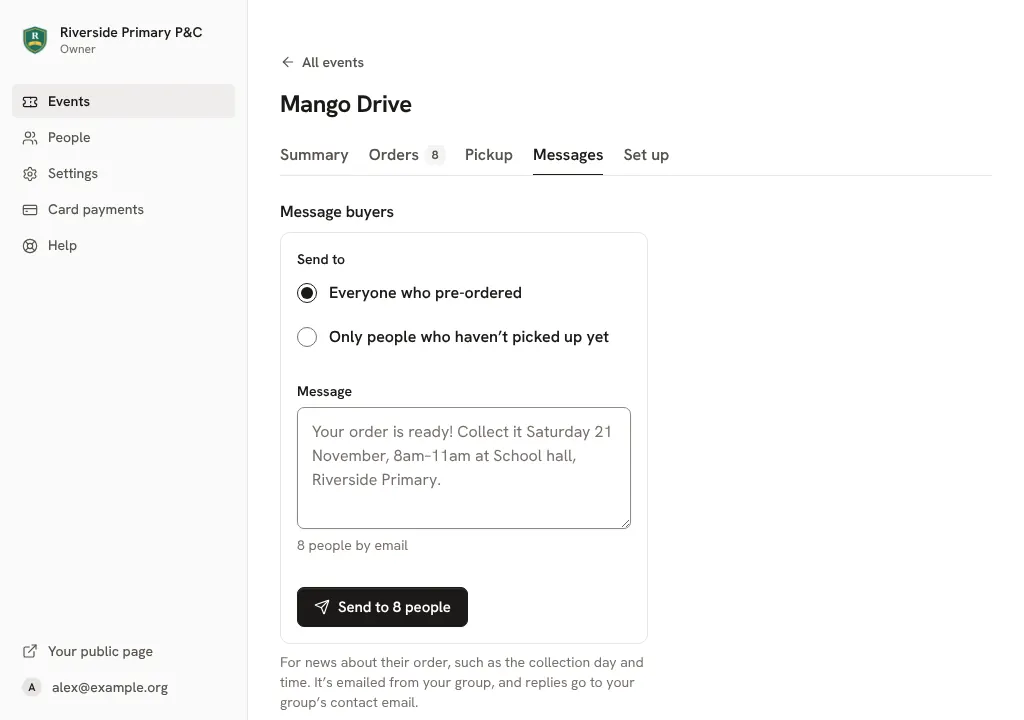
Write your message, or keep the one we've started for you, then tap Send to.Write your message, or keep the one we've started for you, then click Send to.
It's emailed from your group, and replies go to your group's contact email.
Good to know
- Owners can turn on texts in Settings, under Texts. Then buyers who left a mobile get a text too, for a small charge per order.
Still stuck? Open Help in your console and ask. You get an answer straight away, and a person from our team whenever you need one.