 Sorted Fundraising
Run collection day
Give your volunteers one link. They tick orders off as people collect.
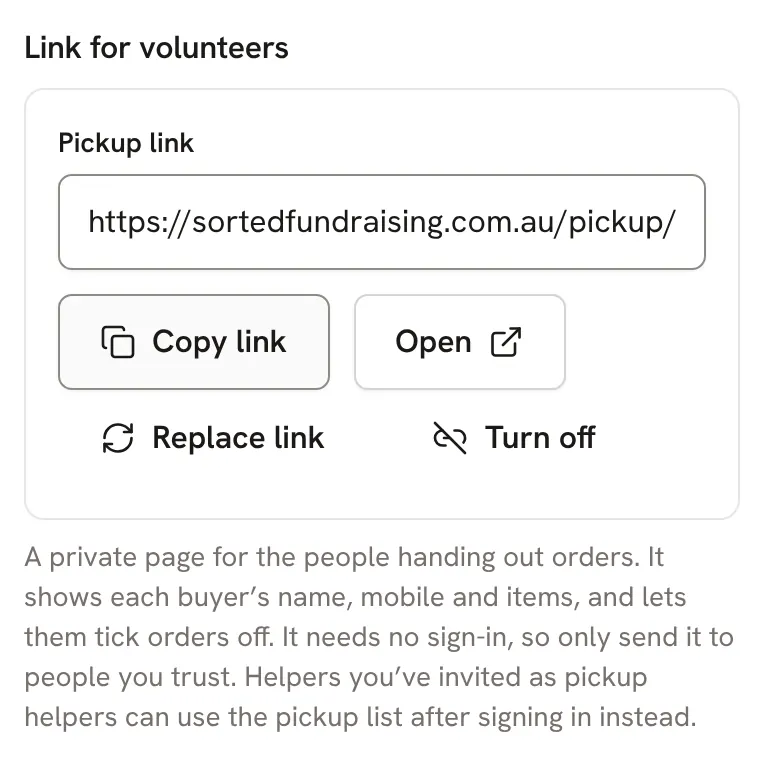
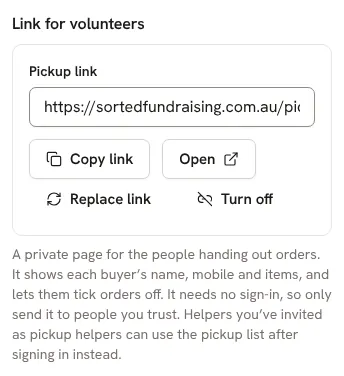
Open your fundraiser and tap Pickup. Under Link for volunteers, tap Create pickup link, then send it to whoever is handing orders out.Open your fundraiser and click Pickup. Under Link for volunteers, click Create pickup link, then send it to whoever is handing orders out.
Volunteers don't need to sign up. The link opens the pickup list: each buyer's name, mobile and what they ordered.
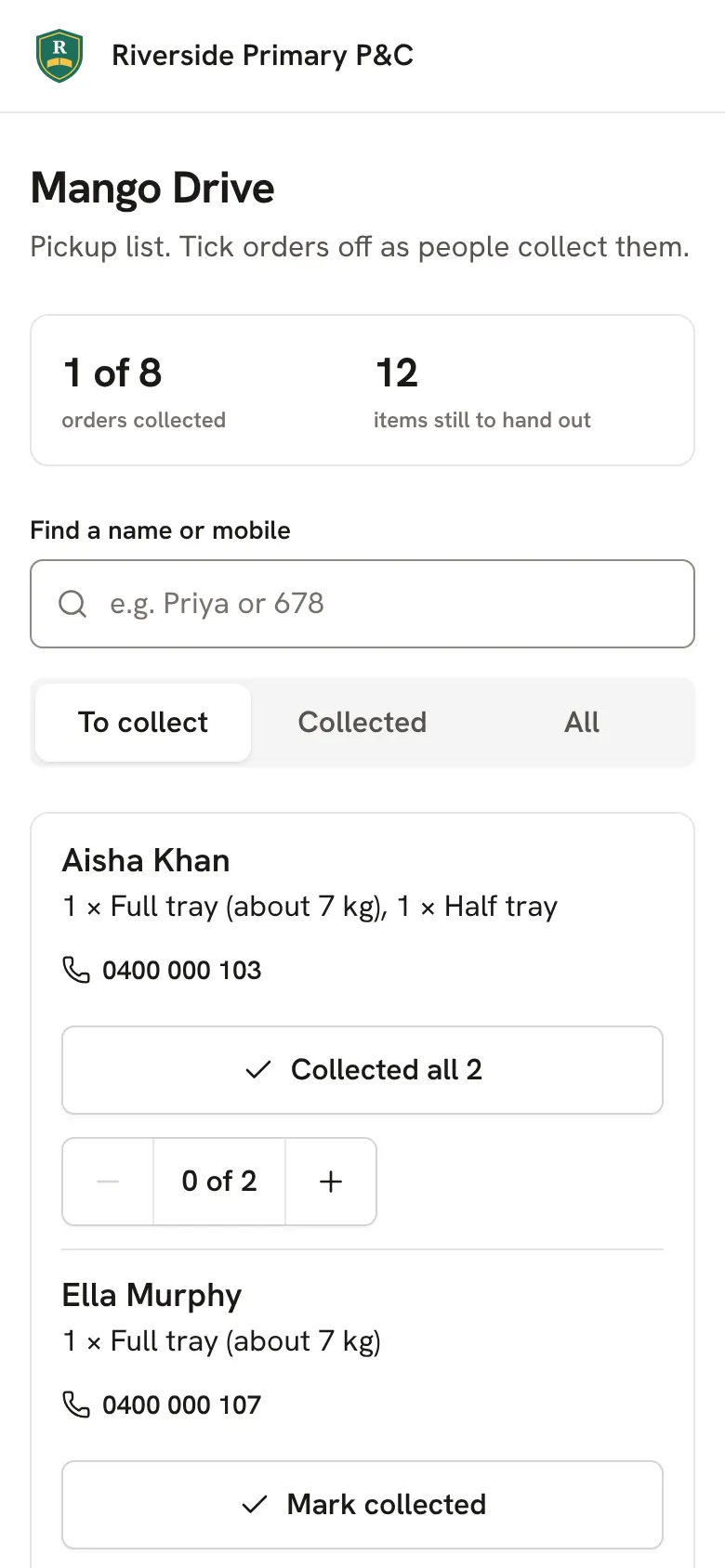
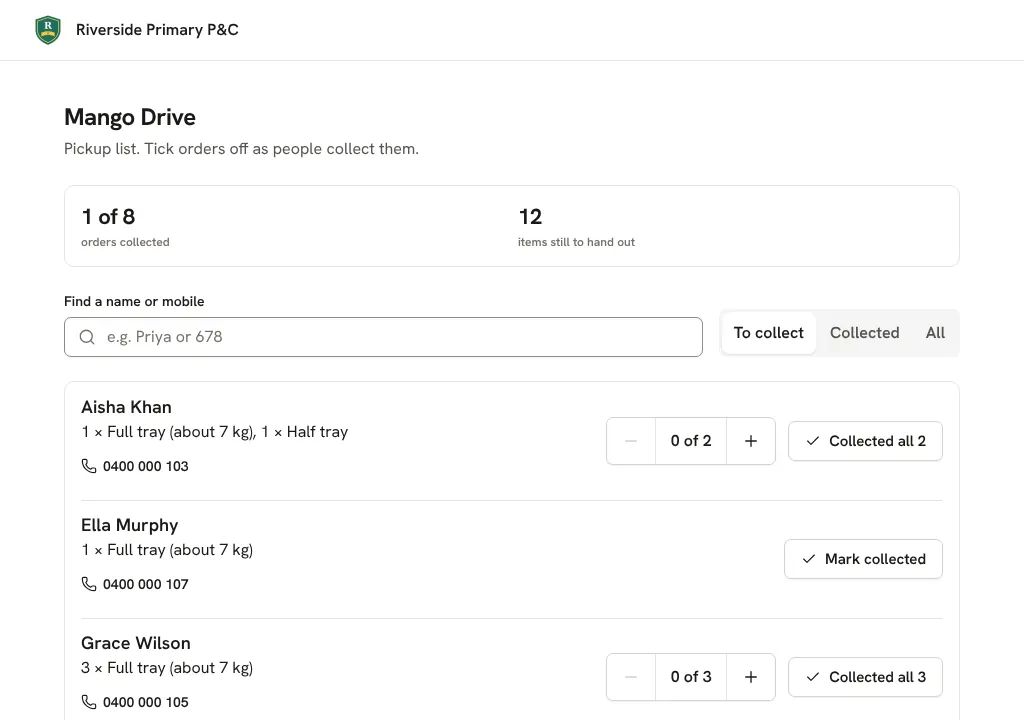
When someone collects, they tap Mark collected. The order moves to Collected, where Undo puts it back if it was a mistake.When someone collects, they click Mark collected. The order moves to Collected, where Undo puts it back if it was a mistake.
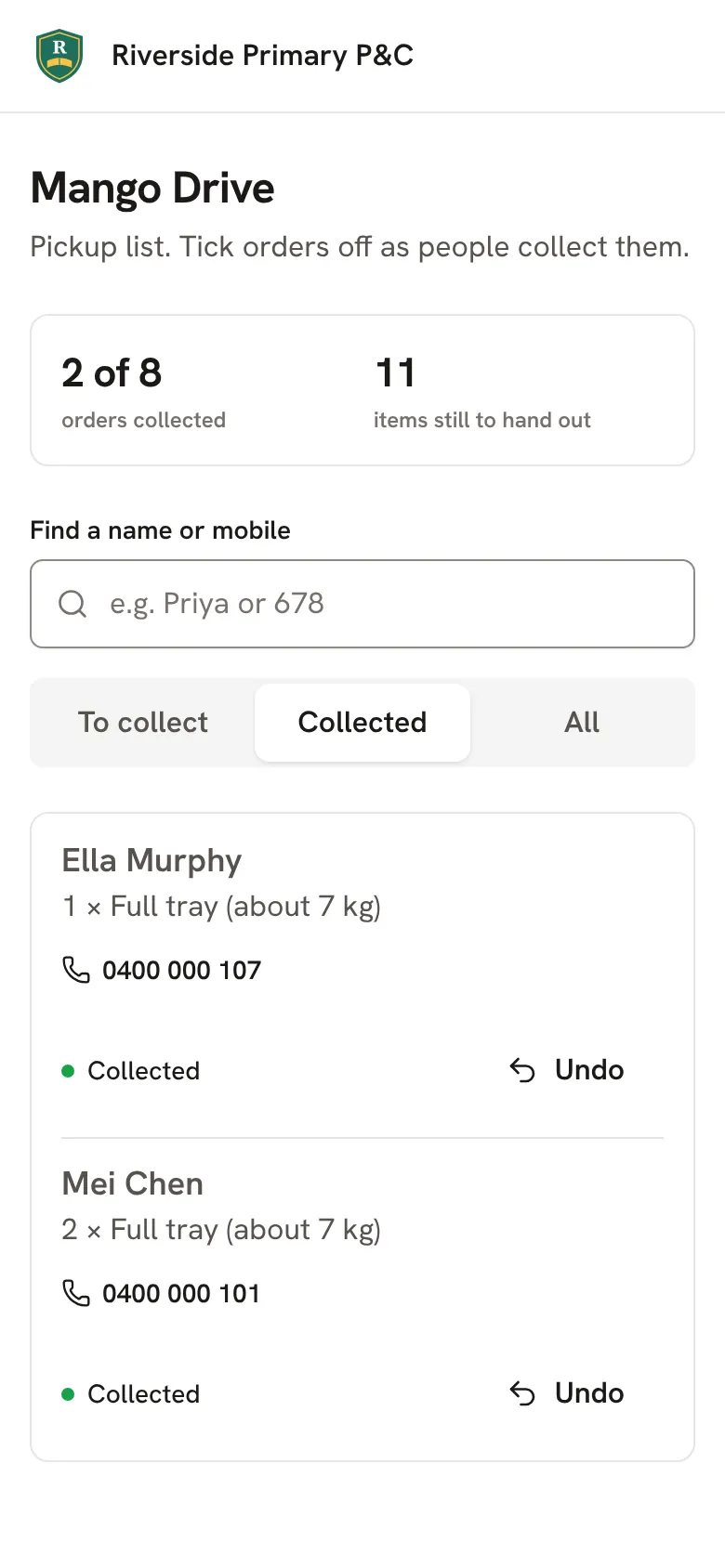
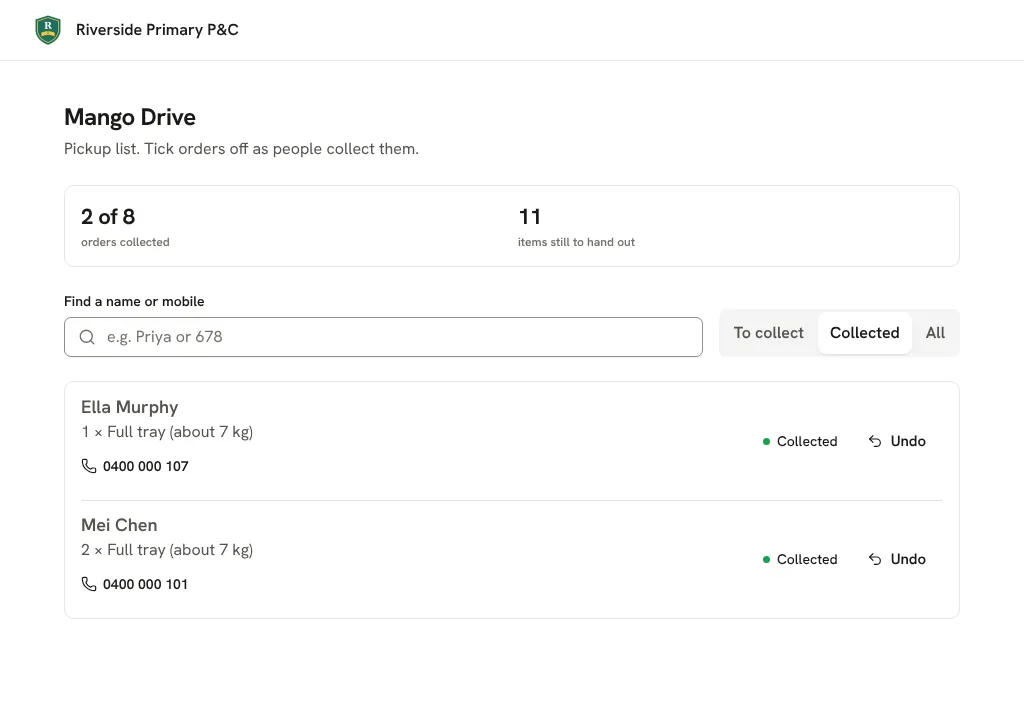
Afterwards, tap Turn off so the link stops working. Replace link makes a new one if it was sent to the wrong person.Afterwards, click Turn off so the link stops working. Replace link makes a new one if it was sent to the wrong person.
Good to know
- Want to remind people who haven't collected? Send a message to "Only people who haven't picked up yet". See Message your buyers.
Still stuck? Open Help in your console and ask. You get an answer straight away, and a person from our team whenever you need one.