 Sorted Fundraising
Change your account details
Update your name or the email you use to sign in.
Open the menu, then tap Account details. These details belong to you and are used in all your groups.Open your account menu, then click Account details. These details belong to you and are used in all your groups.
Change your First name or Last name, then tap Save name.Change your First name or Last name, then click Save name.
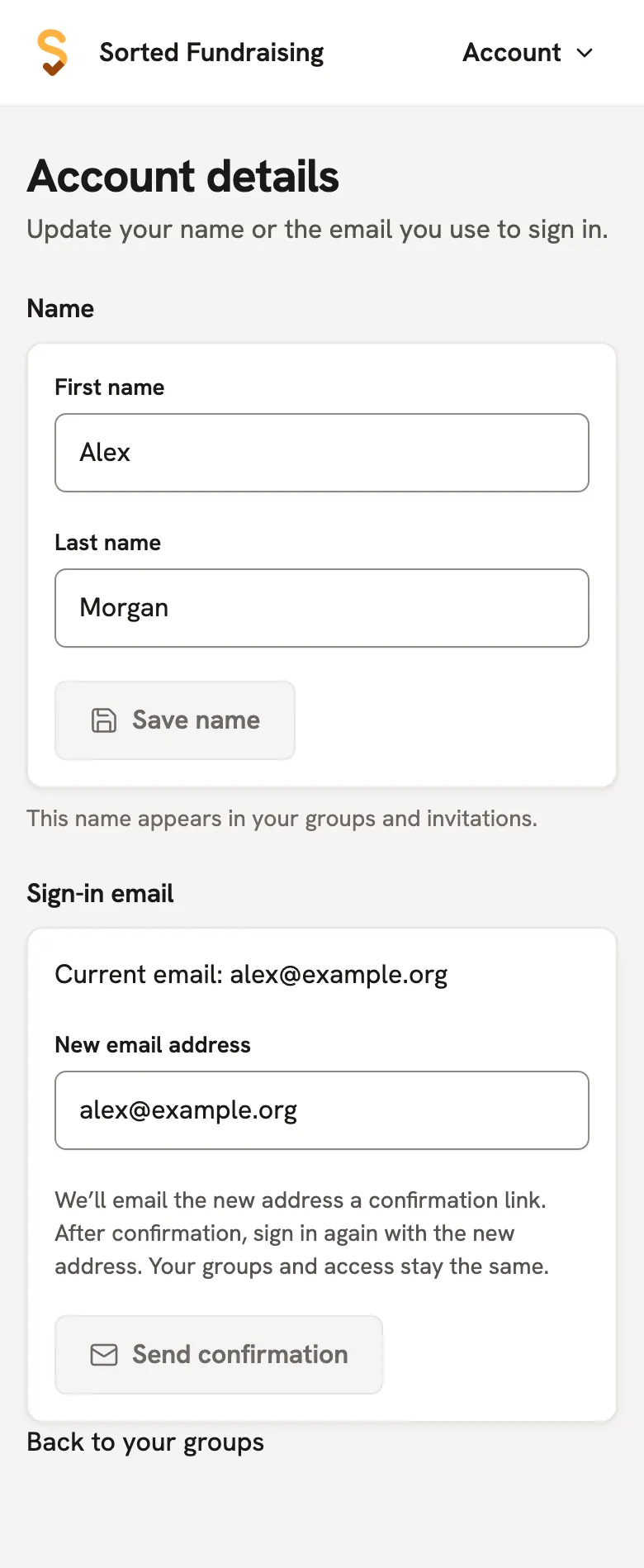
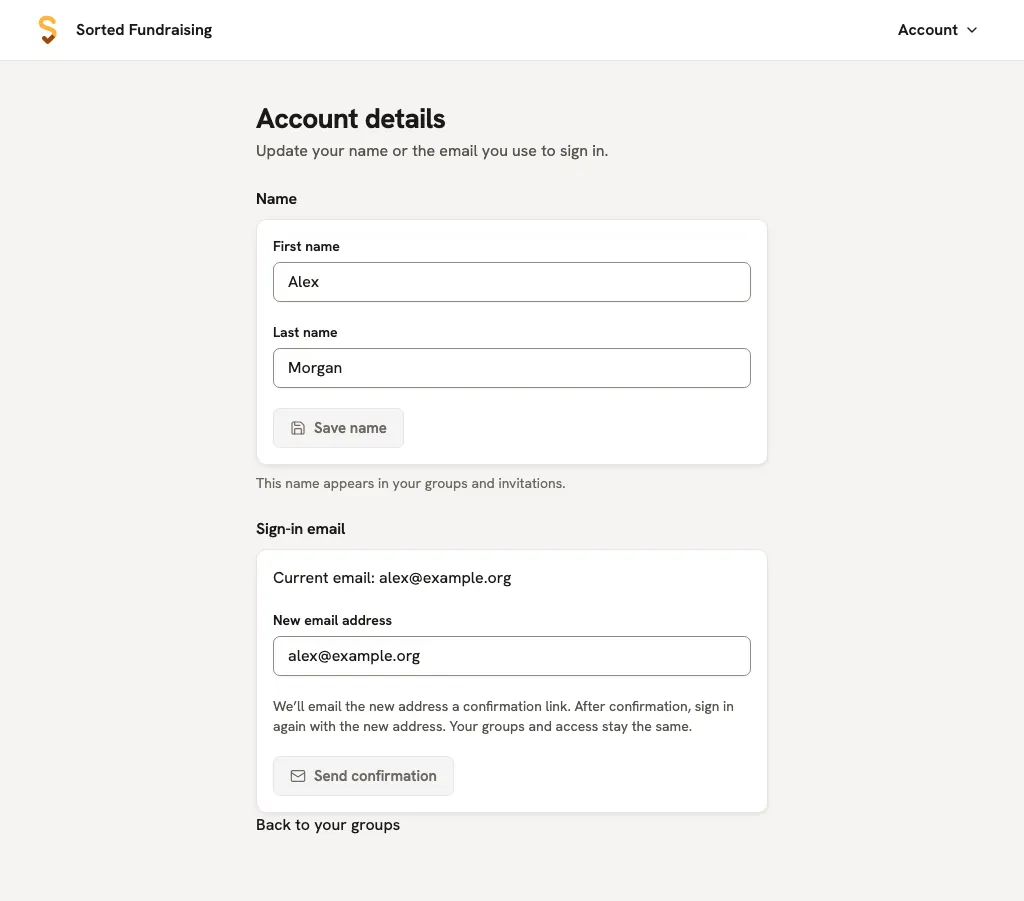
Changing email? Enter your New email address and tap Send confirmation. Open the email at the new address, then tap Confirm new email. The link lasts 15 minutes. Your old sign-in email keeps working until you confirm.Changing email? Enter your New email address and click Send confirmation. Open the email at the new address, then click Confirm new email. The link lasts 15 minutes. Your old sign-in email keeps working until you confirm.
After confirming, sign in with your new email address. Your groups and what you can do stay the same.
Good to know
- You may be asked to add your first and last name when you next return to the app.
- A platform admin can correct user details under Users. Email changes still need confirmation at the new address. Platform admins' own sign-in emails are managed in the site's admin settings.
Still stuck? Open Help in your console and ask. You get an answer straight away, and a real person whenever you need one.