 Sorted Fundraising
Tell past buyers about a new fundraiser
Email the families who asked to hear about your next fundraiser, in one tap.Email the families who asked to hear about your next fundraiser, in one click.
After paying, buyers can tap Yes, email me to hear about your group's next fundraiser. It's never ticked for them, and it's for your group only.After paying, buyers can click Yes, email me to hear about your group's next fundraiser. It's never ticked for them, and it's for your group only.
When your next fundraiser is published, open it. Tell past buyers? says how many asked to hear from you.
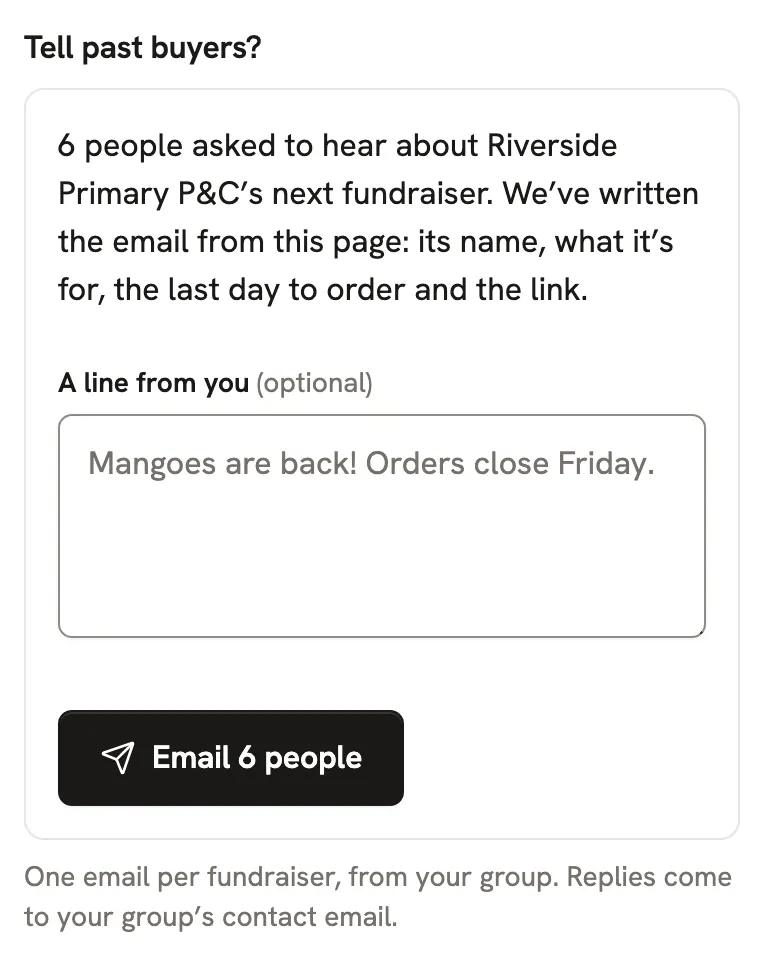
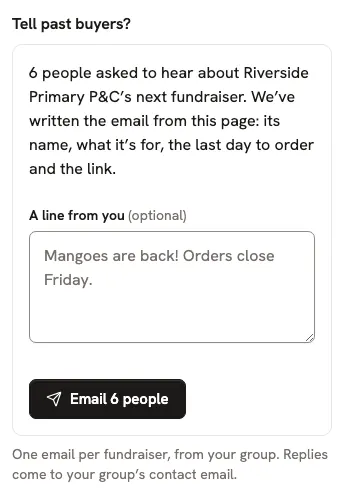
Add A line from you if you like, then tap Email. We write the rest from the fundraiser: its name, what it's for, the last day to order and the link.Add A line from you if you like, then click Email. We write the rest from the fundraiser: its name, what it's for, the last day to order and the link.
Good to know
- You can tell past buyers once for each fundraiser, so nobody hears from you too often.
- Every email has an unsubscribe link, and replies come to your group's contact email.
Still stuck? Open Help in your console and ask. You get an answer straight away, and a real person whenever you need one.